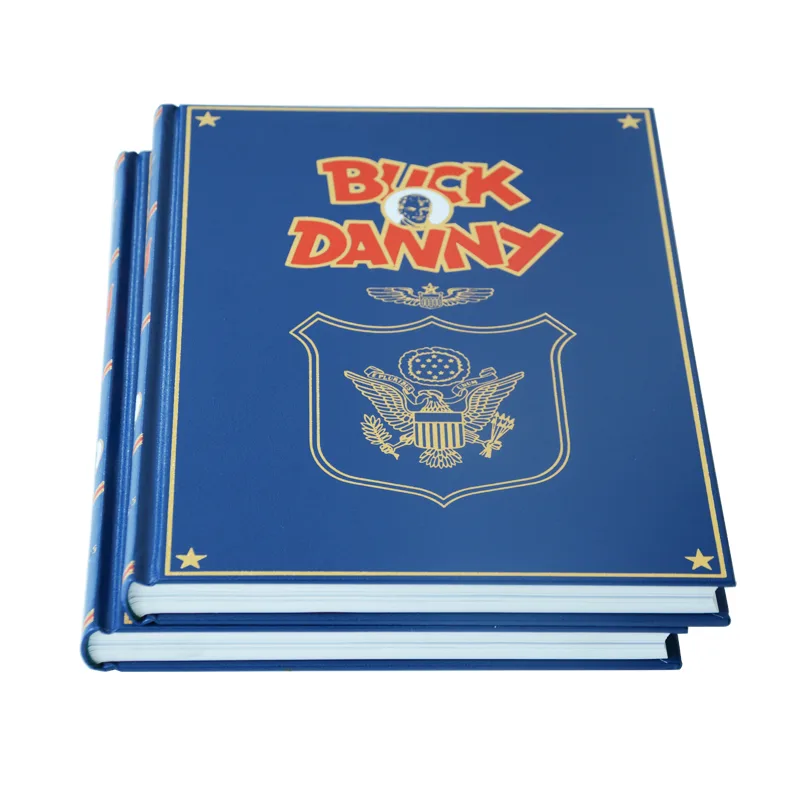
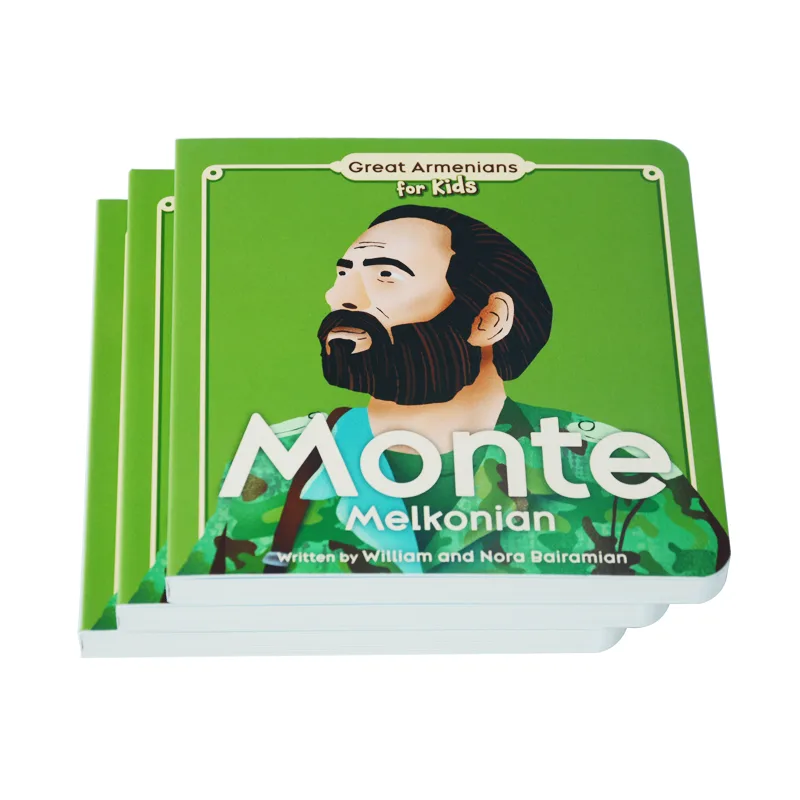
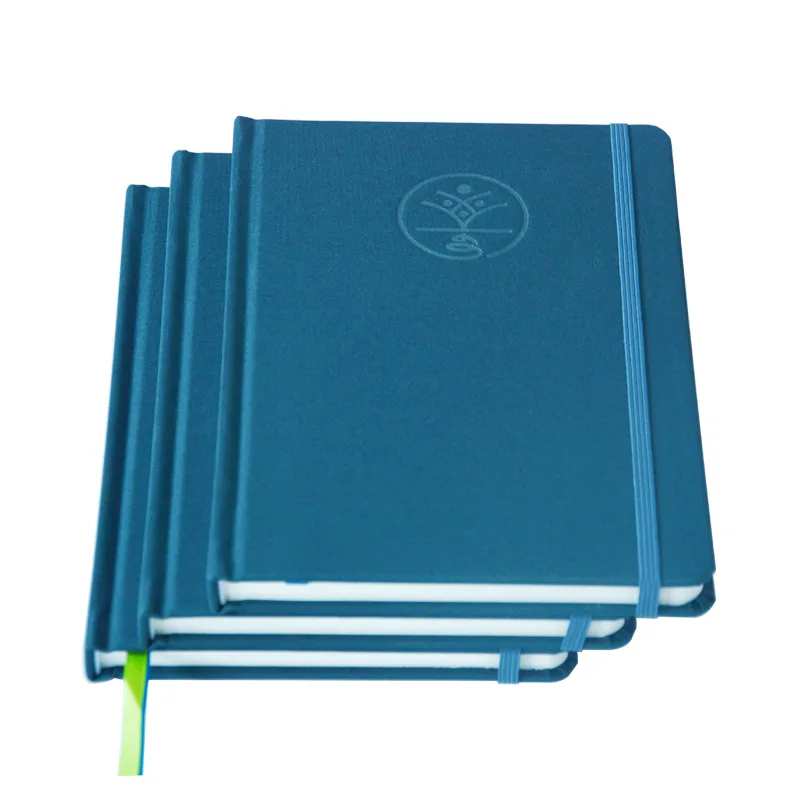
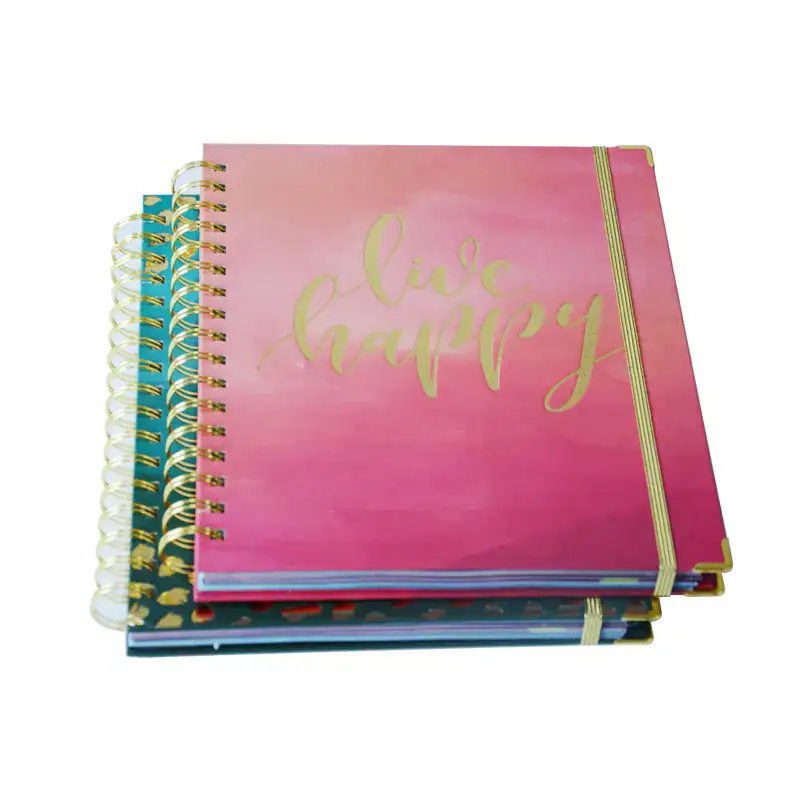
When a branded notebook quote is ready and leadership wants the mass date locked, a PDF-only approval still leaves cover feel, writing paper, binding, and accessories unproven. You can still run a clear sample gate before cartons move.
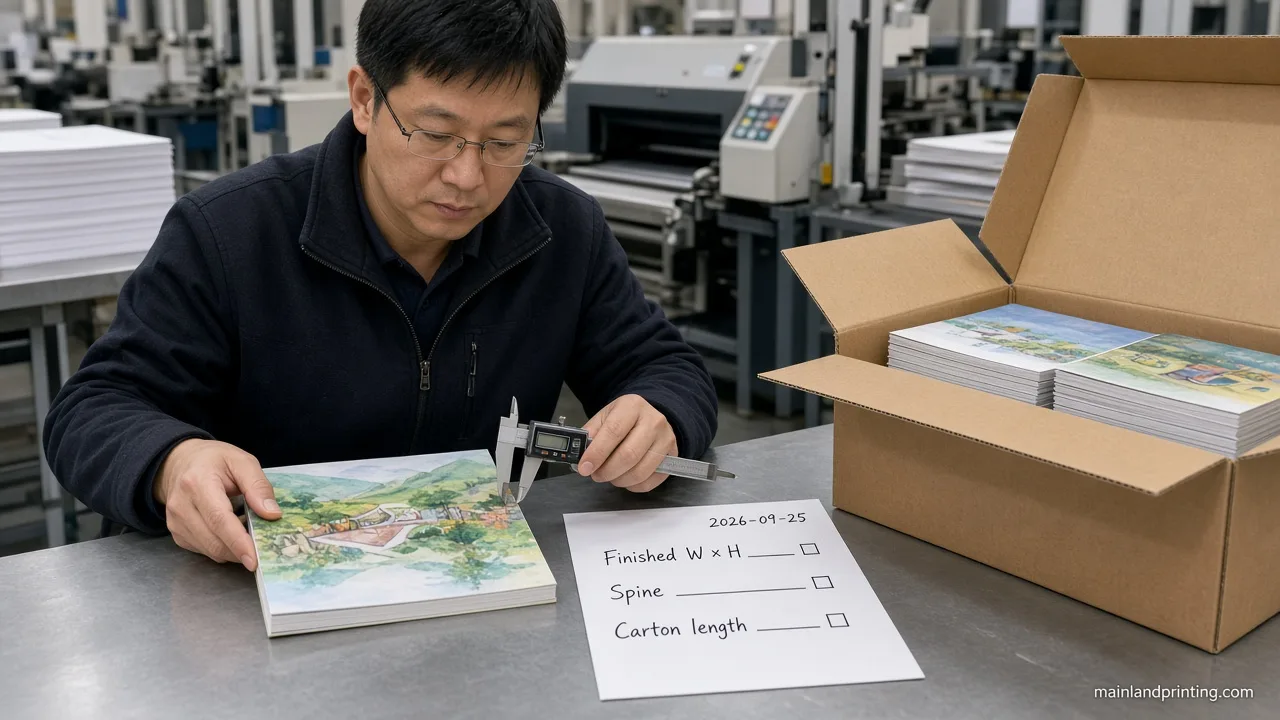
Before bulk notebook production, approve a digital proof for layout and copy, then a physical pre-production sample for cover feel, logo process, paper writing, binding, page order, accessories, packaging, and SKU versions. A PDF alone cannot replace that physical gate.
Keep reading and you will leave able to split what a digital proof can lock from what only a bound sample can prove—and copy a brand checklist that keeps multi-SKU versions from drifting into the wrong carton.
Separate Digital Proof From Physical Sample
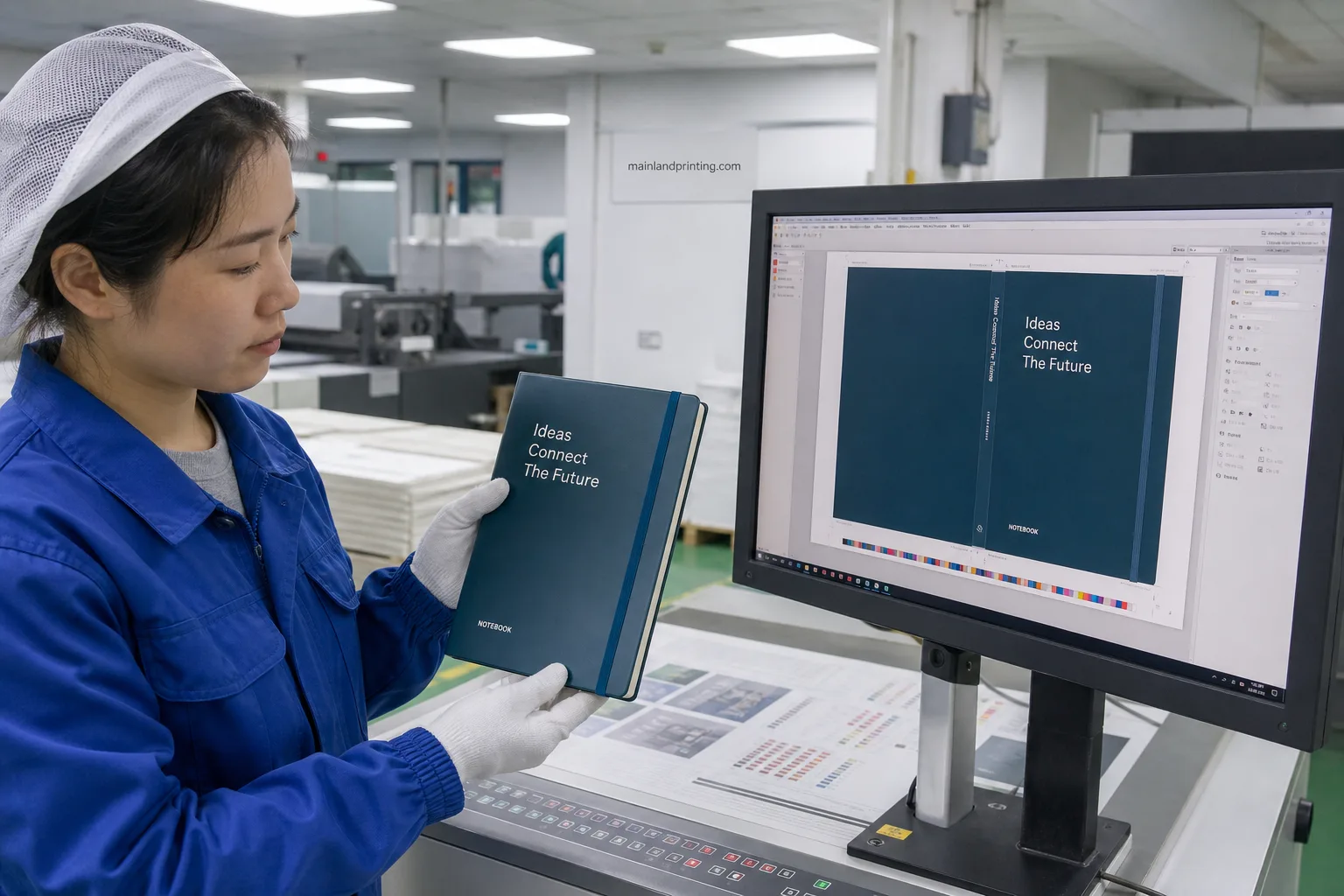
When you treat “proof approved” as one magic click, you mix two different jobs: locking artwork on screen, and proving the notebook you can hold.
Use the digital proof to freeze layout, spelling, logo size, and trim marks. Use the physical sample to freeze materials, hand-feel, writing, binding motion, and packing reality.
| Approval type | What you can lock |
|---|---|
| Digital proof (PDF / soft proof) | Copy, logo size/position, page order on file, trim/bleed, barcode placement art, version labels on the artwork |
| Physical pre-production sample | Cover texture and stiffness, real logo process (foil/deboss/print), paper writing and show-through, binding open/close, coil or hinge feel, band/loop/pocket/ribbon, sleeve/box fit |
| Blank structure sample only | Size and binding feel—not final brand color or logo durability |
When you once approved only a foil cover PDF for a VIP journal run, mass returned with soft foil rub on the spine that no monitor showed. You needed one bound sample with the final foil process before plating money moved.
Do not promise yourself that every project gets a free sample. Paid pre-production samples are normal on logo, multi-SKU, or accessory-heavy jobs—and that fee is cheaper than a full reprint.
Name the sample type on the PO line: digital only, blank structure, or branded pre-production. Vague “sample” language is how two teams argue about whether mass was allowed.
If format is still open, lock structure first with the notebook format comparison, then run this sample gate on the chosen build.
Confirm Cover Logo and Color on Materials
When you approve logo color from a phone screen, you approve RGB hope—not the cover the warehouse will ship.
Write the logo method on the sample request: foil, deboss, emboss, screen, or full-color print. Then check that method on the real cover stock, not on a white proof sheet alone.
- Logo size and position: measure against the approved PDF; note spine clearance and wrap edges.
- Color callout: record Pantone or CMYK values on the approval email—do not rely on “looks close.” Color management bodies such as the ICC color consortium exist because screens and print do not match by eye.
- Rub and bend: open the cover 20–30 times; wipe the logo edge lightly with a clean cloth and note scuff.
- Cover lot: confirm the sample cover material matches the mass quote line (PU, cloth, paper wrap)—not a “similar” stock.
When you approved a softcover print logo on a different PU lot than mass, the first carton looked cooler and flatter under store lights. Match the sample cover to the mass material code on one line.
If you are still choosing finishes, keep the notebook features guide open—this section only locks what the sample must prove.
Check Paper Binding and Page Sequence

When you skip writing and page-order checks, you approve a pretty cover that fails the first fountain pen or the first flipped signature.
| What you check | How you confirm it |
|---|---|
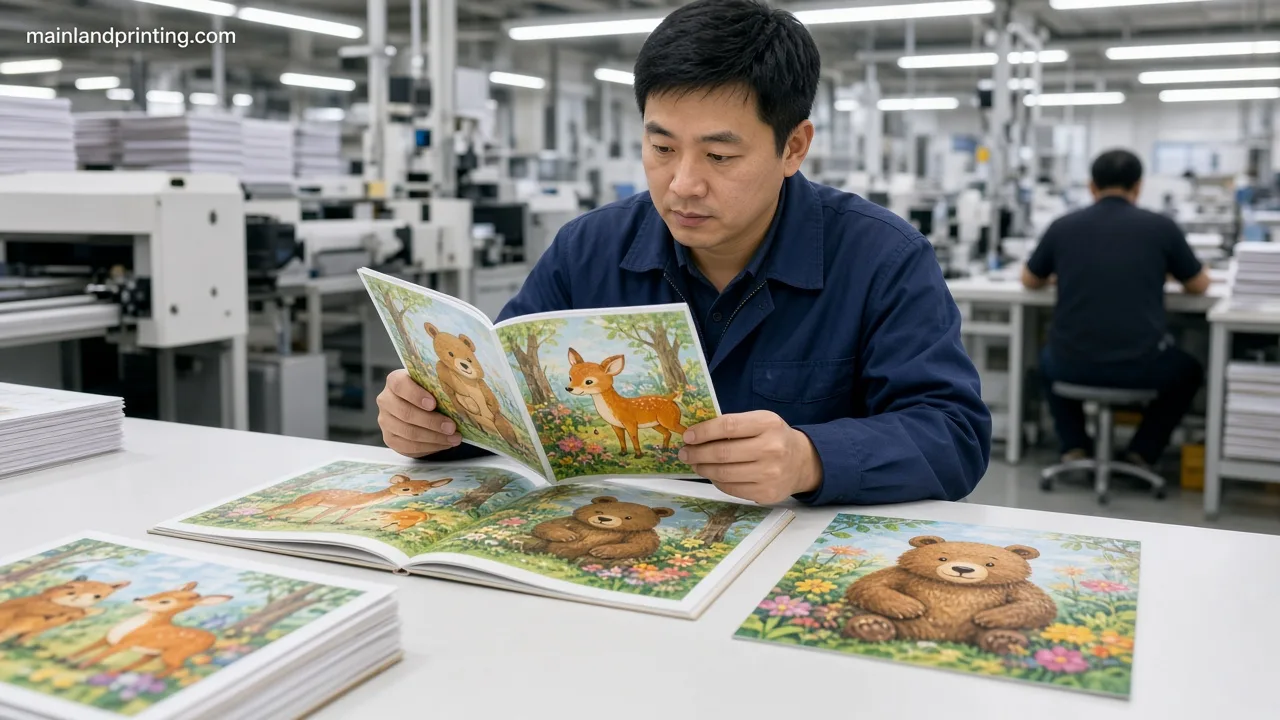
| Paper writing | Write with the pens your users will use; mark bleed vs ghost on one spread |
| Opacity / show-through | Hold the sheet to light; check dark fills on the reverse |
| Page order and ruling | Flip every signature; confirm blank/lined/grid matches the RFQ map |
| Binding motion | Open flat if required; check Wire-O pitch, hinge crack, or glue pull |
| Page count / bulk | Count sheets; compare spine bulk to the approved dummy |
Paper weight talk without a test is incomplete. paper grammage basics defines how grammage is measured—but your sample still needs the pens your team actually carries.
When you once released mass after a cover-only sample, gel pens ghosted through the 80 gsm inners and support tickets blamed “cheap notebooks.” Run the writing spread before you sign.
For deeper paper choices, use the custom notebook paper guide; here you only prove the chosen sheet on the bound sample.
Verify Accessories Packaging and SKU Versions
When your program has three cover colors or a gift box, approving “one hero sample” without version codes is how the wrong belly band lands on the wrong book.
| Item | Sample action |
|---|---|
| Elastic band / pen loop | Stretch-cycle and size to the pen you will ship; note clip type |
| Pocket / ribbon | Insert the real card or leaflet; check ribbon length in the mailer |
| Individual pack | Fit sleeve/box/OPP; photograph label and barcode scan if used |
| Multi-SKU versions | Approve each cover/inner combo or a controlled matrix with version IDs |
When you approved SKU-A only and told the plant “other colors follow,” SKU-B arrived with A’s insert map and a mismatched belly band. Put a version ID on every sample photo and every approval line.
If budget and MOQ still flex with SKU count, keep the notebook MOQ pricing guide nearby—but do not skip the sample matrix to save a week.
Plan a Notebook Sample Review
Share your cover method, paper, binding, accessories, and SKU list so we can map digital proof vs physical sample steps before mass.
Split Buyer and Factory Approval Duties
When everyone “approves” in a chat thread with no owner list, disputes later become “we thought you checked page order.”
| Owner | Signs off on |
|---|---|
| Your brand / buyer | Brand copy, logo legal use, Pantone intent, user writing tools, packaging claims, version IDs, final “approved for mass” email |
| Factory / project team | Material codes matching the quote, process capability for the logo method, binding construction, QC photos, carton marks, change log after each revision |
| Shared gate | One dated sample ID; photo set of cover, open spread, accessories, and pack; explicit list of open Holds |
When a Slack “LGTM” shipped without version codes, the plant mixed covers across inners and both sides pointed at the chat. Write “Approved for mass — Sample ID ___ — Versions ___” in one email, or do not release.
Ask the factory to return a short change log after every revision. Silent swaps of paper lot or foil roll are how “same sample” becomes a different book.
Before you travel or hand the sample to a retailer buyer, keep one sealed reference unit. Field feedback without a retained Sample ID turns into opinion, not a production change.
Use This Notebook Sample Approval Checklist
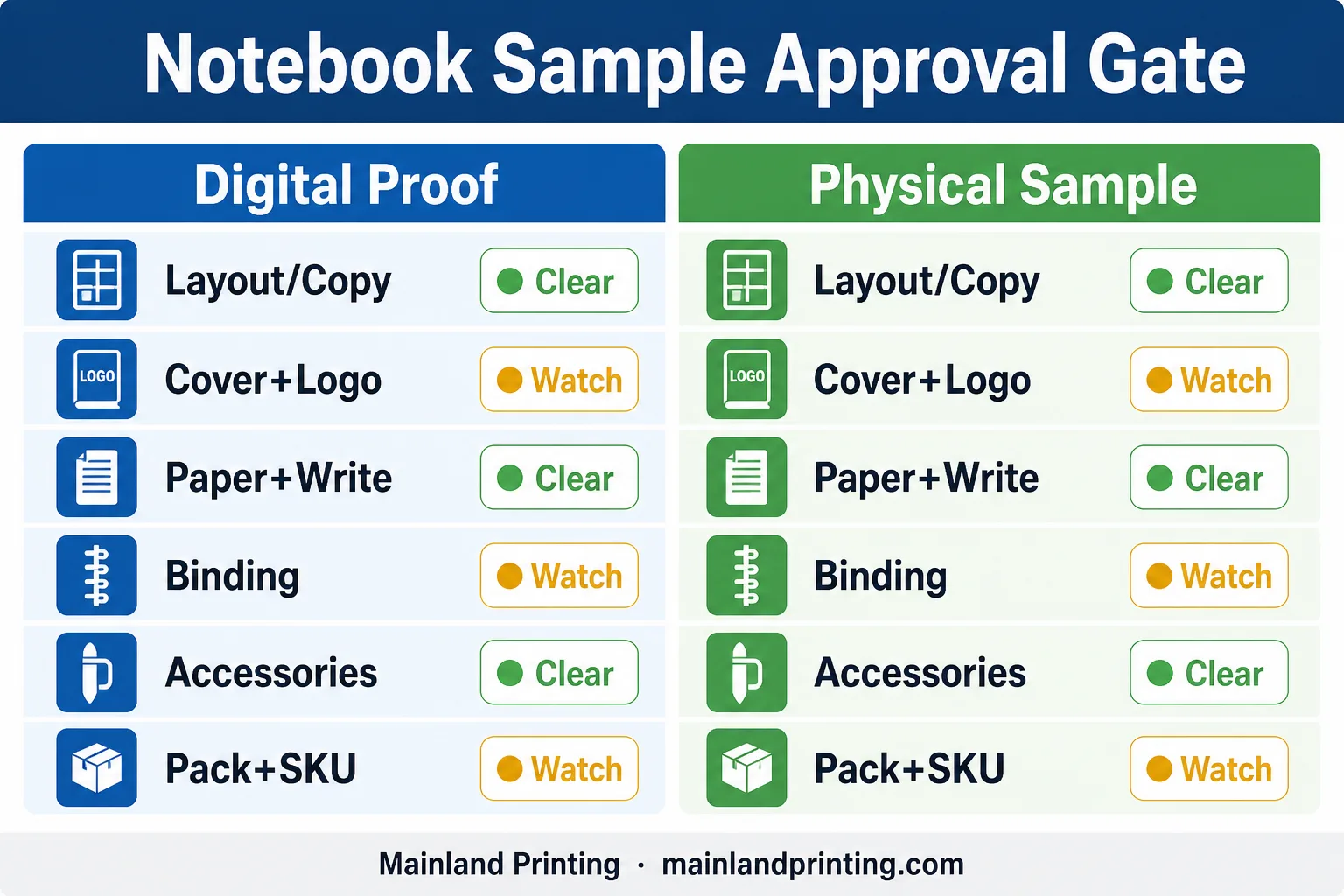
When you need one sheet to paste into the RFQ thread, copy this checklist and tick each line against the bound sample—not against memory.
| Check item | Confirm by |
|---|---|
| Digital proof signed | Layout, copy, logo art, version labels match PDF |
| Cover + logo process | Real material; method matches quote; rub/bend OK |
| Color values | Pantone/CMYK written on approval—not screen guess |
| Paper + writing | User pens tested; GSM/lot matches quote |
| Page order / ruling | Full flip check vs map |
| Binding / coil / hinge | Open cycles; no loose pages |
| Accessories | Band, loop, pocket, ribbon as specified |
| Packaging + barcode | Fit, label, scan if required |
| SKU / version IDs | Each live combo approved or matrix controlled |
| Mass release line | Dated Sample ID + “approved for mass” owner |
Paste the checklist into the RFQ thread as a living ticket. Each open line gets an owner and a retest date—not a vague “we will watch it in mass.”
If two stakeholders disagree on one line, freeze that line only; do not reopen the whole book. Partial Clears with named Holds beat a fake full approval.
Hold Mass Until the Sample Matches Spec
Red flags before you release mass: PDF-only approval, blank structure sample standing in for a branded unit, or a multi-SKU run with only one hero color checked.
When the calendar squeezes, the temptation is to “approve with notes” and hope mass behaves. That is how you buy a second production window.
| Signal | Ask before mass |
|---|---|
| Clear | Sample ID photos match quote material codes; no open Holds |
| Watch | “Approve with notes,” missing SKU matrix, or blank structure sample only |
When any line sits on Watch, change one variable and retest. Notes without a retest become returns with photos.
Hold plating and bulk paper buy-offs until the checklist above is Clear. If leadership needs a date, give two dates: sample Clear date and mass start—not one fantasy date that assumes zero Holds.
Photograph the approved sample under the same light you use for brand reviews. A chat emoji is not a gate.
If freight or a launch date is already sold internally, protect the sample Clear date on the same calendar as carton marks and insert print. Compressing only the sample week is how Holds become airfreight.
Once that Clear date holds, freeze barcodes and multi-SKU carton rules with the US warehouse notebook pack plan before you book ocean versus air.
When you are ready to translate the approved sample into a production brief, start from custom notebook printing with the Sample ID and version list attached—not a bare “please start bulk.”
Approve Your Notebook Sample Before Bulk
You unlock bulk only after a digital proof freezes artwork and a physical sample proves cover, logo process, paper, binding, accessories, packaging, and version IDs on the real build.
That gate is what turns “sample available” into a dated Sample ID your plant and brand can both defend—so multi-SKU cartons match the book you held.
When your checklist is Clear, send the Sample ID with the quote line into the notebook project thread and keep mass tied to that approval—not to a PDF alone.