You finished the illustrations, but the printer keeps asking for bleed, single pages, and CMYK proofs—and each answer seems to depend on whether you are printing a board book, a softcover picture book, or a casebound edition.
Quick answer: Pick your binding format first, then apply the matching trim/bleed row in the specs table below, keep crossover art out of a 6–8 mm gutter danger zone, and export single CMYK pages at 300 effective DPI with fonts embedded before you request a quote.
This checklist gives you format-specific numbers, a prepress Pass/Fail table, and a printable export sequence so your files survive binding in China—not just look correct on screen.
Start With the Binding Format—Specs Fork Here
Children’s book file specs are not one-size-fits-all. A board book submitted as reader spreads will be rejected; a 8.5×8.5 softcover picture book exported with only 2 mm bleed may show white hairlines after trim.
Use this fork before you draw safety guides. If you are still comparing formats, review how children’s book printing cost shifts when you move from saddle stitch to board or casebound runs.
| Format | Typical trim | Bleed (per edge) | Safe margin (text/faces) | File submission |
|---|---|---|---|---|
| Softcover picture book (perfect bound) | 8×8 in / 8.5×8.5 in / 10×8 in | 0.125 in (3 mm) outer edges only | 0.25–0.375 in inside trim | Single pages, consecutive order (not reader spreads) |
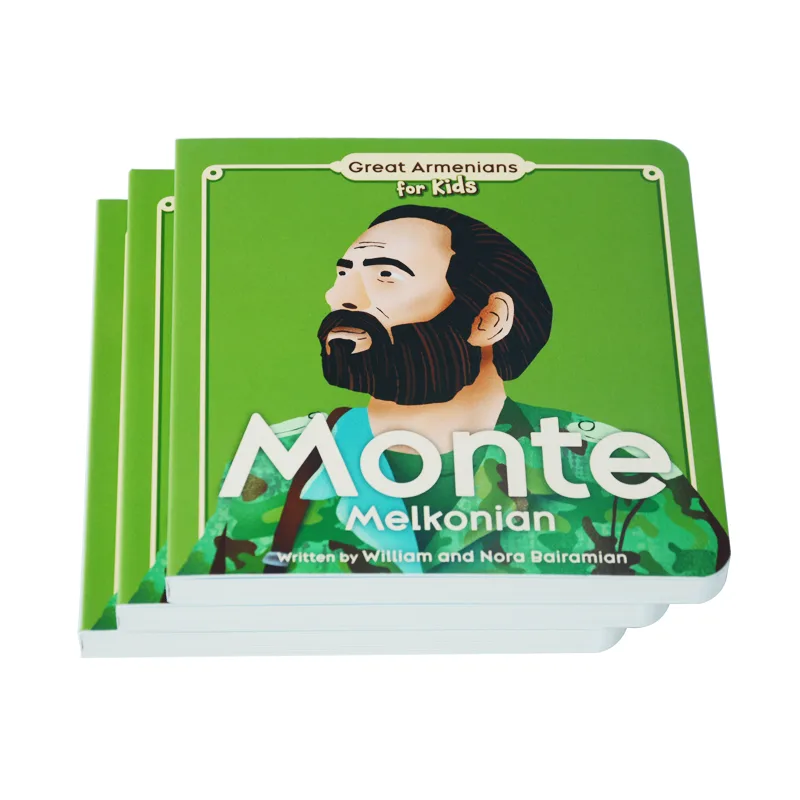
| Board book | 6×6 in / 7×7 in common | 0.125 in + extra corner clearance | 0.5–0.75 in from corners (rounded die) | One PDF per spread (cover spread separate) |
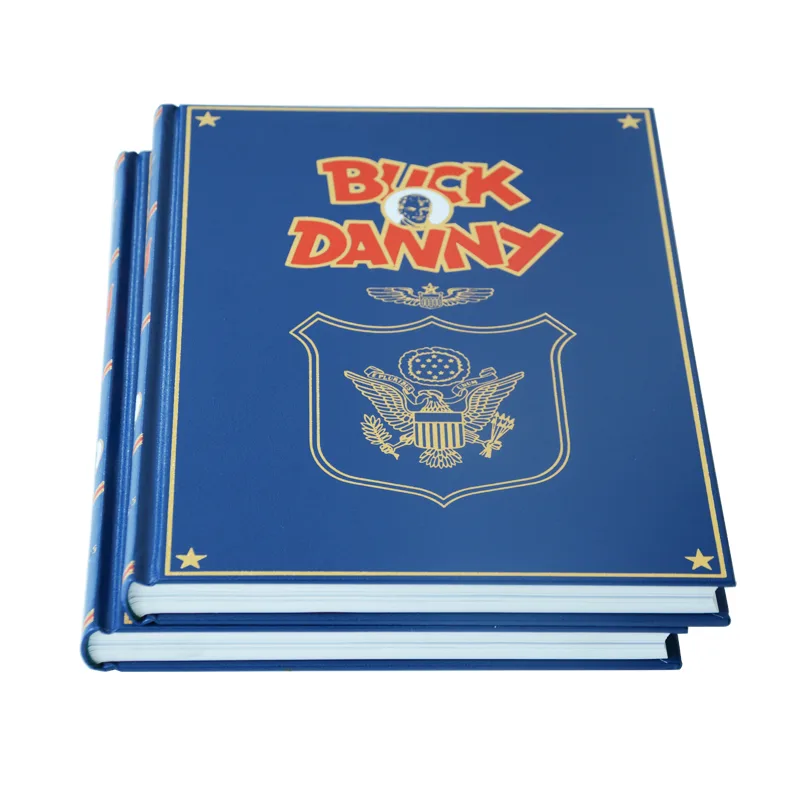
| Hardcover picture book | Matches interior trim; cover = flat wrap | 0.125 in interior; wrap extends 0.625–0.75 in on case | Keep type out of hinge channels | Interior singles + one cover wrap PDF from printer template |
Board books need thicker corner buffers because the rounded die removes more material than a straight guillotine cut on board book printing lines—treat corners as a second safety zone, not just the outer bleed.
What SERP Gets Wrong About Children’s Book File Specs
Insight 1: One bleed number does not fit board books and picture books
Most ranking checklists list 3 mm bleed once and move on. Board books need corner clearance for rounded dies; hardcover interiors still use single pages while covers use flat wraps with hinge channels. Treating every format as a paperback spreads errors into production.
Authors often pass a visual bleed check while linked PNGs scale from 72 DPI placeholders. Prepress flags effective resolution, not whether the trim box looks correct on screen. The Pass/Fail table above mirrors what automated preflight reports before a human reviewer opens the job.
Insight 3: Gutter loss is binding-specific, not a design preference
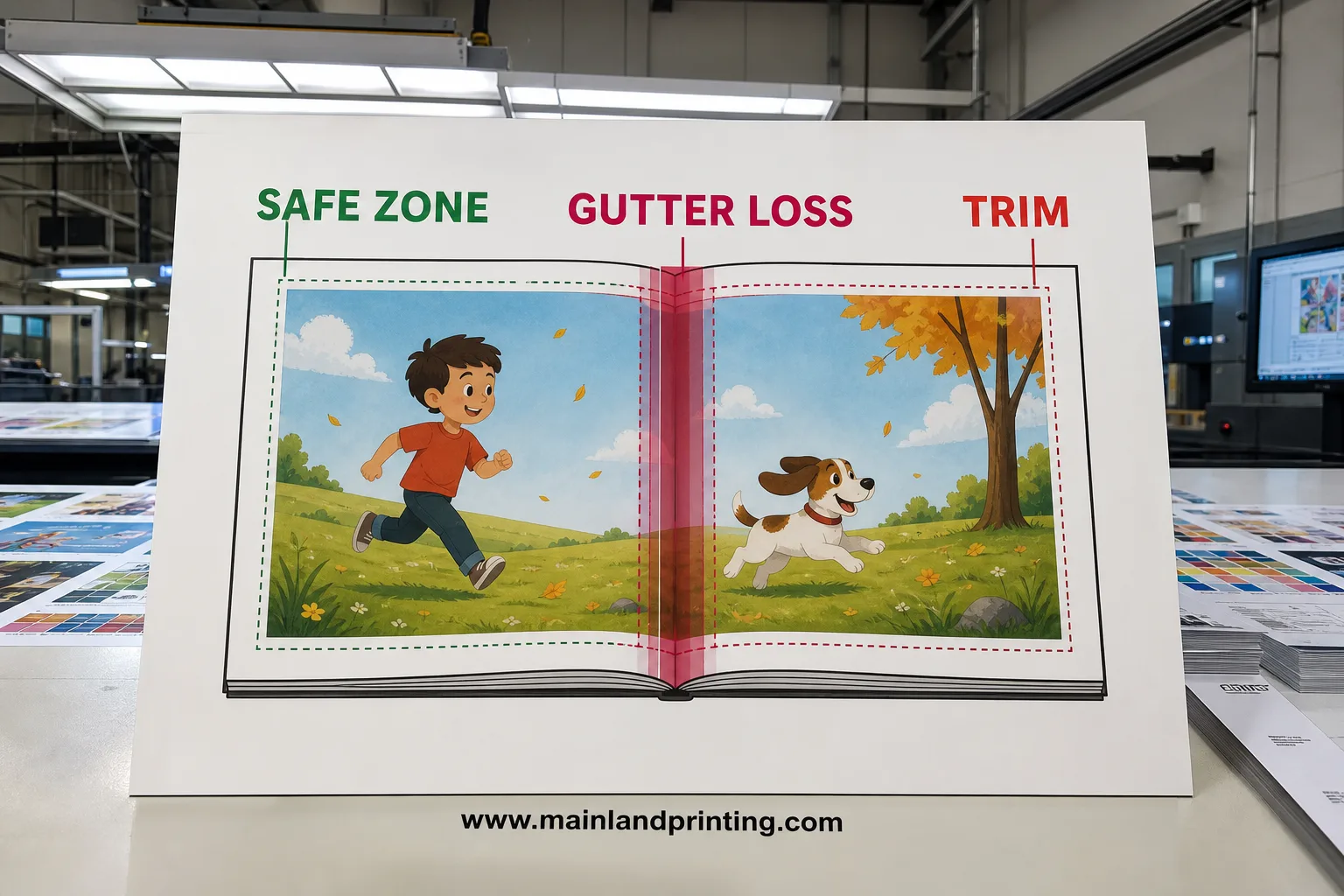
Perfect-bound picture books lose roughly 6 mm per side at the spine; section-sewn titles can tighten when the printer confirms smyth-sewn lay-flat specs. Designing on the spine centerline—common in portfolio spreads—still fails even when bleed and DPI are perfect.
Need a template matched to your trim and page count?
Send your binding choice and interior page count—we return factory-aligned bleed and spine specs within 12 hours so your checklist matches production.
Trim, Bleed, and Safe Zones That Survive Binding
Trim tolerance on high-speed cutters is typically ±1 mm. Defensive layout means backgrounds bleed fully, while faces, dialogue, and logos sit well inside the safe zone—never on the trim line itself.
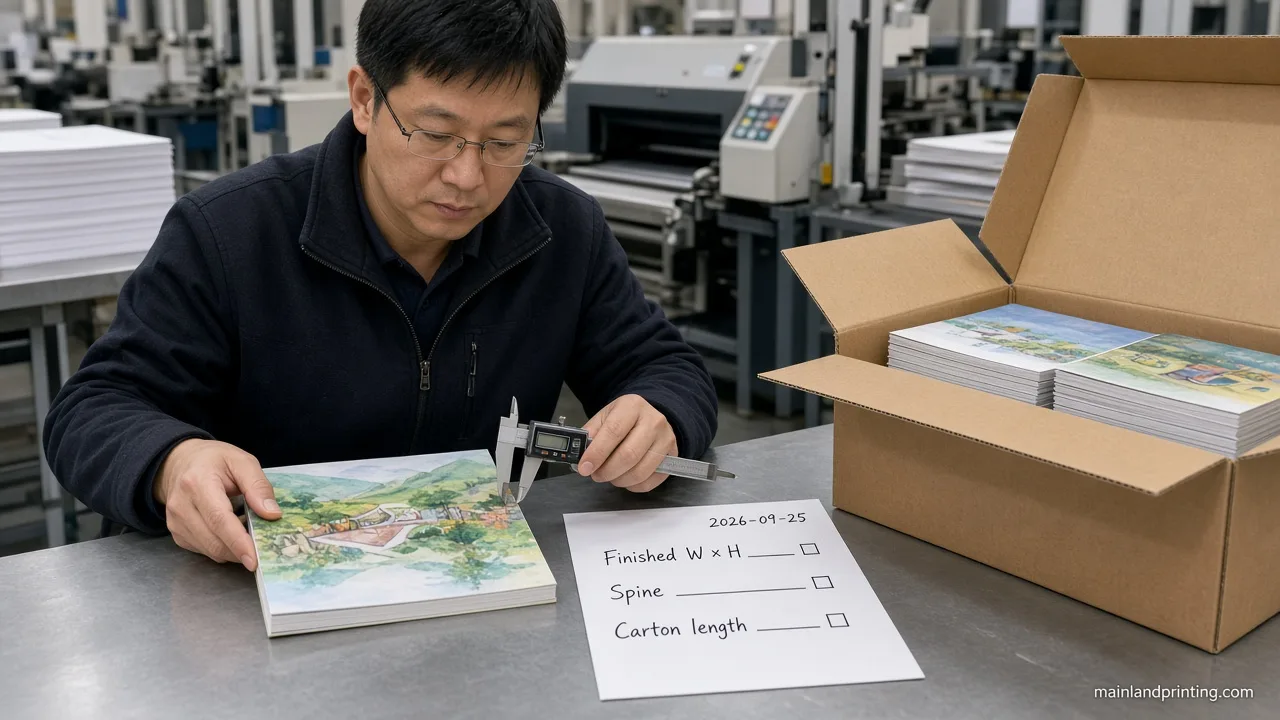
Those trim zones only hold after finished width × height and orientation are locked—settle them with children’s book sizes for printing before you draw the bleed guides.
Print conformity standards such as ISO 12647 print quality describe how commercial presses hold trim tolerance and dot gain; the 3 mm / 0.125 in bleed rule aligns with that mechanical variance budget.
| Check | Target spec | Pass | Fail |
|---|---|---|---|
| Background bleed | Art extends 3 mm past trim on all outer edges | No white slivers at 100% PDF zoom | Background stops exactly on trim box |
| Thin border frames | Avoid uniform 2–5 mm frames | Full-bleed art or frame >8 mm thick | Asymmetric frame after ±1 mm shift |
| Effective image DPI | ≥300 DPI at final print size | Preflight shows no upscaled links | 150 DPI photo scaled to full page |
| Font embedding | 100% embed or outline display type | Acrobat preflight: fonts OK | Missing font substitution on export |
On recent softcover runs, files that passed visual review still failed prepress when linked PNGs were 72 DPI placeholders scaled to full bleed—the fix was relinking 300 DPI masters, not tweaking the PDF preset alone.
Crossover Spreads and Gutter Loss for Illustrated Pages
Double-page art is where most children’s books lose quality. Perfect binding and section-sewn spines both consume paper at the center—what looks aligned on screen can clip a character’s nose in print.
Build a non-printing gutter guide: for perfect-bound picture books, keep critical art at least 6 mm away from the spine on each page (12 mm total danger channel). Section-sewn children’s titles can tighten to 4 mm per side when the printer confirms smyth-sewn lay-flat specs.
For deeper gutter workflows and hardcover wrap math, see the children’s book pre-press guide—this checklist focuses on measurable zones you can draw today in InDesign or Affinity.
- Good crossover subjects: landscapes, textures, tails, background color fields.
- High-risk subjects: eyes, hands, speech bubbles, small text crossing the spine.
- Board books: design each spread as one canvas; do not assume reader-spread imposition.
Red flags that trigger manual rework at prepress: centered faces on the spine, 1 pt rules sitting on the trim, and spot colors left in the file when the quote assumed CMYK-only offset.
Color, Resolution, and PDF Export Settings
Illustrators often work in RGB (Procreate, Photoshop). Offset presses print CMYK. About one-third of RGB hues fall outside standard four-color gamut—neon purples and electric greens shift the most.
Work in RGB while illustrating, but toggle CMYK proofing before final adjustments. The Procreate color profiles guide explains how RGB-native brushes behave when you later convert for offset; our pre-print color management guide walks through factory profile choice. For export day, use these settings:
- Body text black: 100% K only (C0 M0 Y0 K100).
- Large black backgrounds: rich black such as C60 M40 Y40 K100—cap total ink ≤300%.
- PDF preset: PDF/X-1a or PDF/X-4 with embedded fonts; single pages; document bleed settings ON; no printer marks unless requested.
- Convert RGB to CMYK in the export dialog—do not rely on the RIP to guess.
Print quality standards such as ISO 12647 print conformity describe how commercial presses hold dot gain and color tolerance—useful language when you ask a factory whether they profile coated vs uncoated stock for your proof.
If your project also includes cover mechanicals separate from interior art, cross-check bleed on the wrap file against the general book file prep workflow so cover and interior preflight in one submission batch.
Print-Ready Export Sequence (Use Before You Email Files)
- Confirm binding row in the format table and download the printer template for that trim.
- Run preflight: missing links, RGB images, overset text, non-embedded fonts.
- Zoom 100% on every spread—check gutter danger zone and board-book corners.
- Export CMYK PDF singles; verify page count matches quoted interior (including blank endpapers if specified).
- Archive a packaged InDesign/Affinity folder plus the PDF so repagination fixes do not start from scratch.
Send the PDF and your filled Pass/Fail notes with the quote request. Prepress can return a soft proof within one business day when files arrive complete—partial exports delay spine calculations and color profiling.
When you plan a first offset run above 500 copies, bundle the interior PDF with a one-page spec sheet listing trim, page count, paper brand, and binding type. Factories use that sheet to pick the imposition scheme; missing page count is the most common reason a technically clean PDF still sits in queue for manual review.
Cover Files vs Interior Files (Do Not Merge Them)
Picture-book projects often arrive as one combined PDF. Production needs interior singles and a separate cover mechanical—or a flat hardcover wrap generated from the printer template with spine width calculated from PPI and page count.
For softcover children’s titles, the cover PDF includes back + spine + front in one spread with the same 3 mm bleed rule. Interior pages never carry spine width. If you are casebinding, request the wrap template before you finalize cover art so hinge channels stay clear of foil or small type.
Hardcover spine width follows page count divided by paper PPI; guessing spine size is a frequent cause of off-center cover art on softcover vs hardcover reprints when publishers upgrade format mid-series.
Proofing Stages Worth Paying For
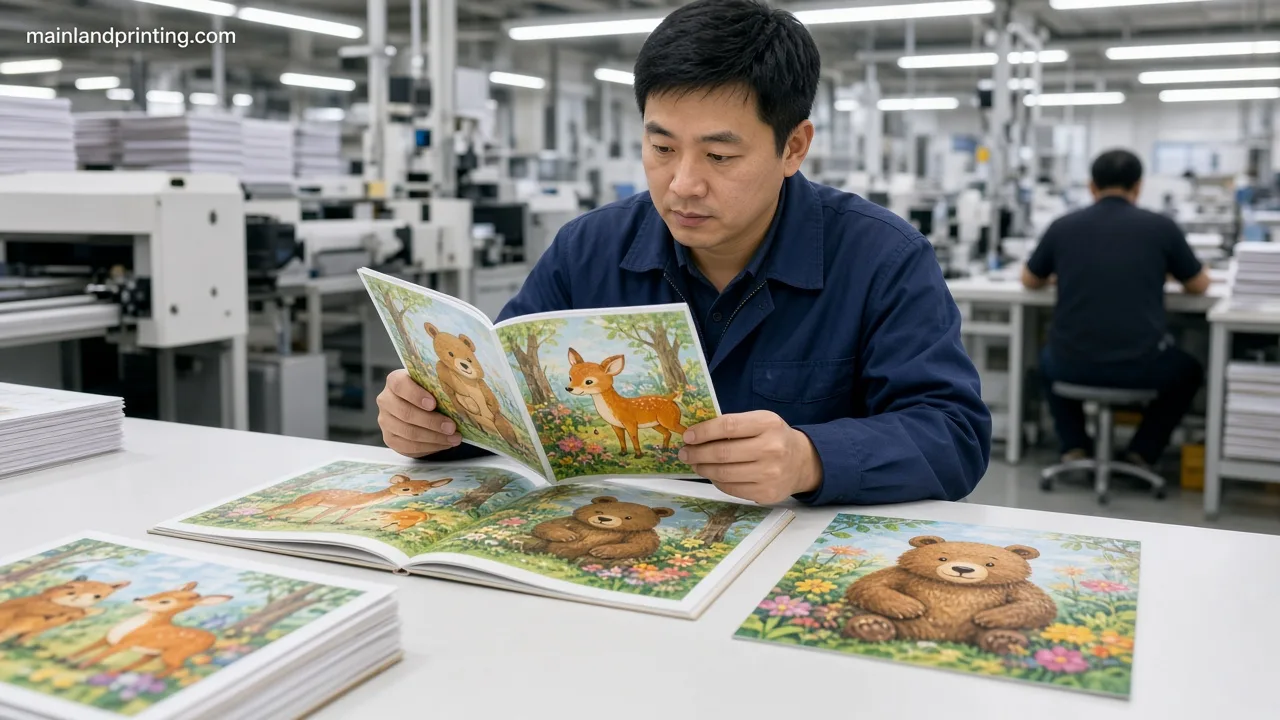
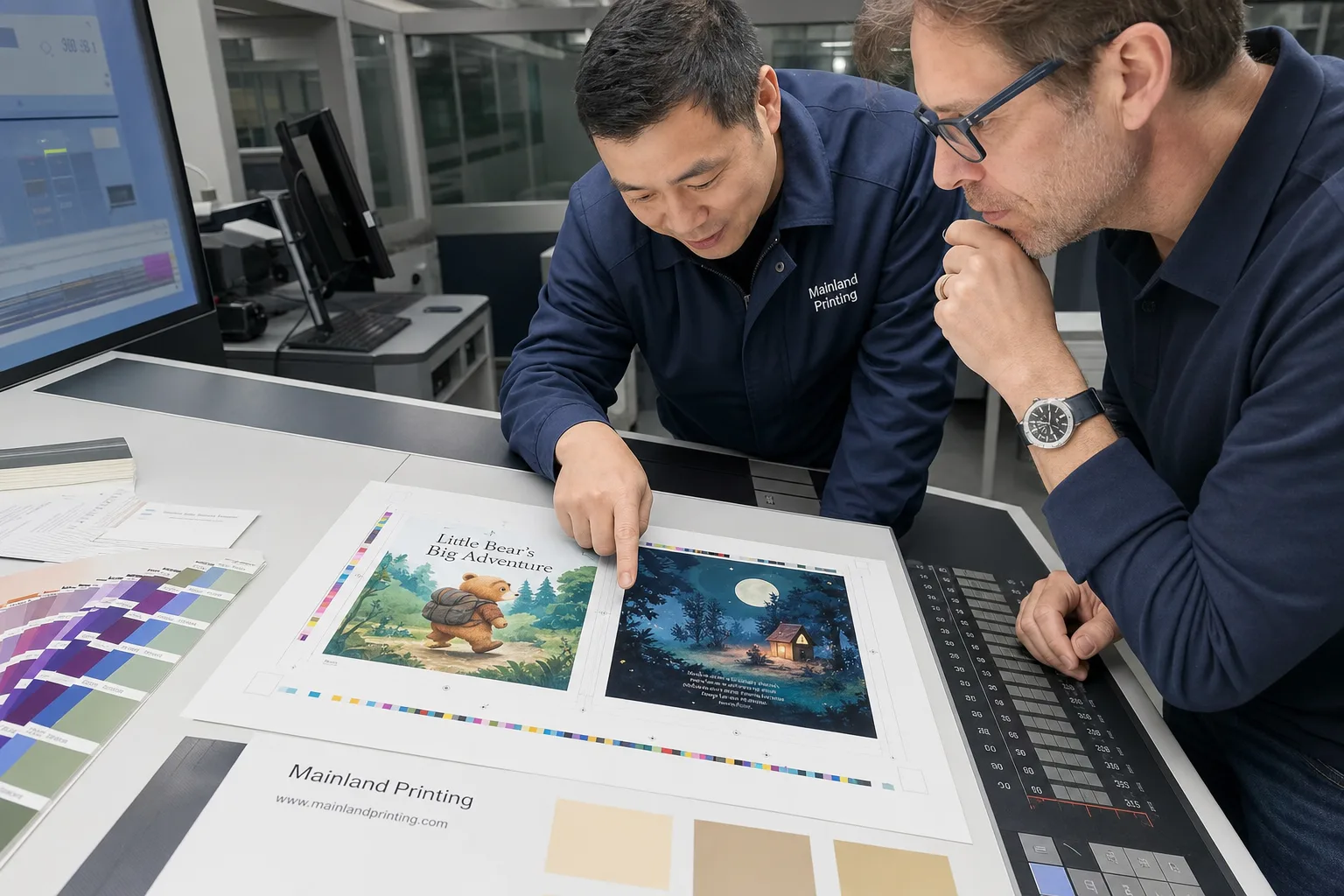
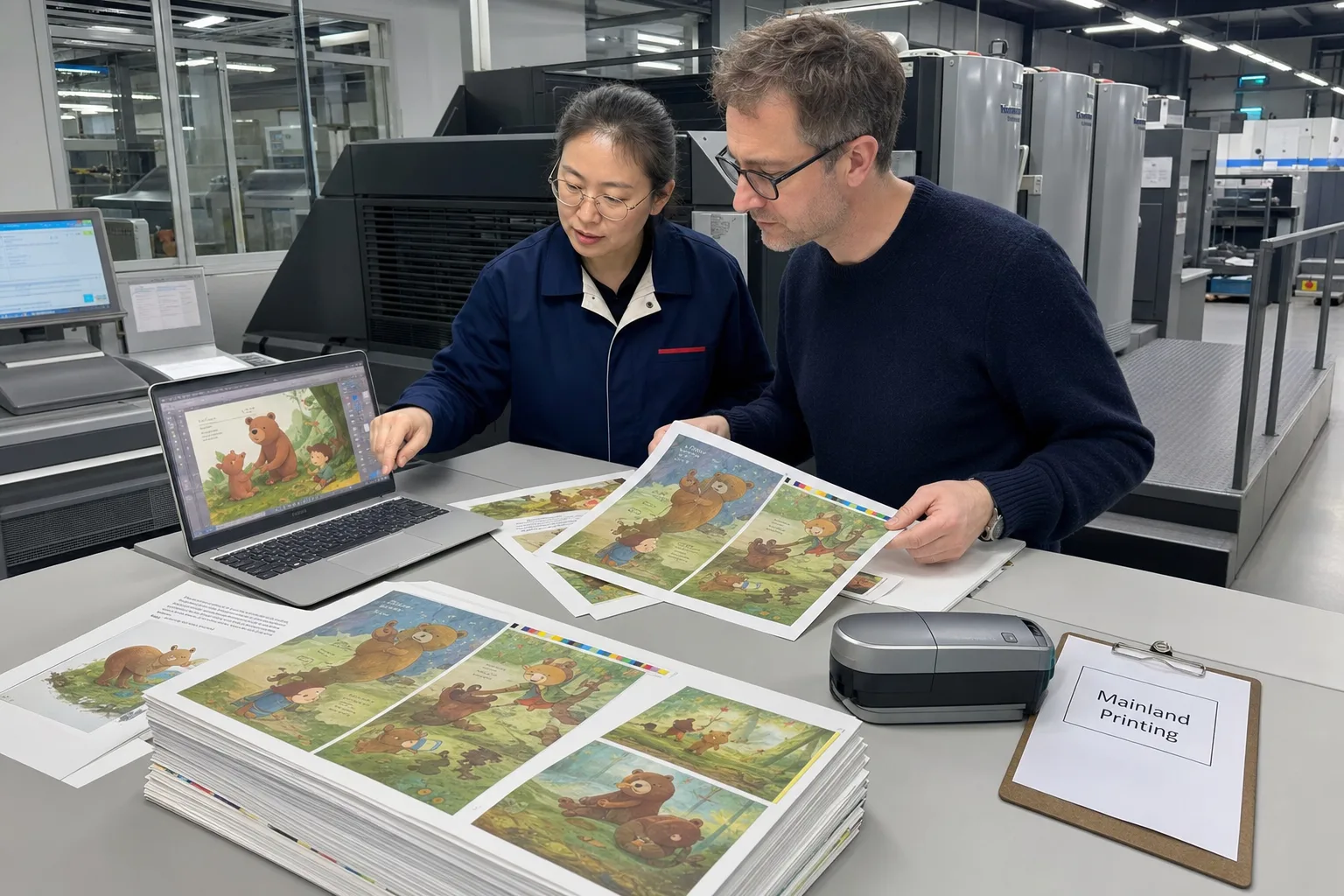
A soft PDF proof catches pagination and typos; it does not prove color. An Epson or wet proof on your chosen stock shows whether sky blues and grass greens survived CMYK conversion—critical for picture books where color carries the story.
Use that wet-proof moment with the picture book proof and sample so illustration color, spreads, and open feel clear before plates go to bulk.
Name that chosen stock as matte, silk, or gloss with a gsm band first—use children picture book paper guide so the wet proof matches the finish you intend to order.
Budget at least one physical proof before you approve a 1,000+ copy run. Compare the proof under D50 lighting if your printer offers a viewing booth; household warm LEDs make CMYK shifts look worse than they will on a retail shelf.
Mark approved proofs with date and version number in your project folder so repagination on page 14 does not accidentally ship with an old cover file attached.
Frequently Asked Questions About Children’s Book File Specs
Should I submit spreads or single pages?
Perfect-bound and hardcover interiors: single pages in reading order. Board books: one PDF per physical spread. Never send reader spreads for imposition unless the printer explicitly requests them.
Is 300 DPI enough for fine line art?
Yes at final size for most picture books. If you use hairline hatching below 0.5 pt, test at 400 DPI or vectorize lines to avoid moiré on coated stock.
Can I use Canva or Kindle Create exports for offset?
Only if you export print PDF with crop marks and bleed enabled and verify CMYK plus embedded fonts. Professional layout tools still give safer bleed and font control for runs above 500 copies.
What makes a file “rejected” vs “fixable”?
Missing bleed and wrong page size are usually hard rejects. Fixable items include RGB links (re-export), soft proofs (color tweak), and missing endpapers (add pages). The Pass/Fail table above separates the two.