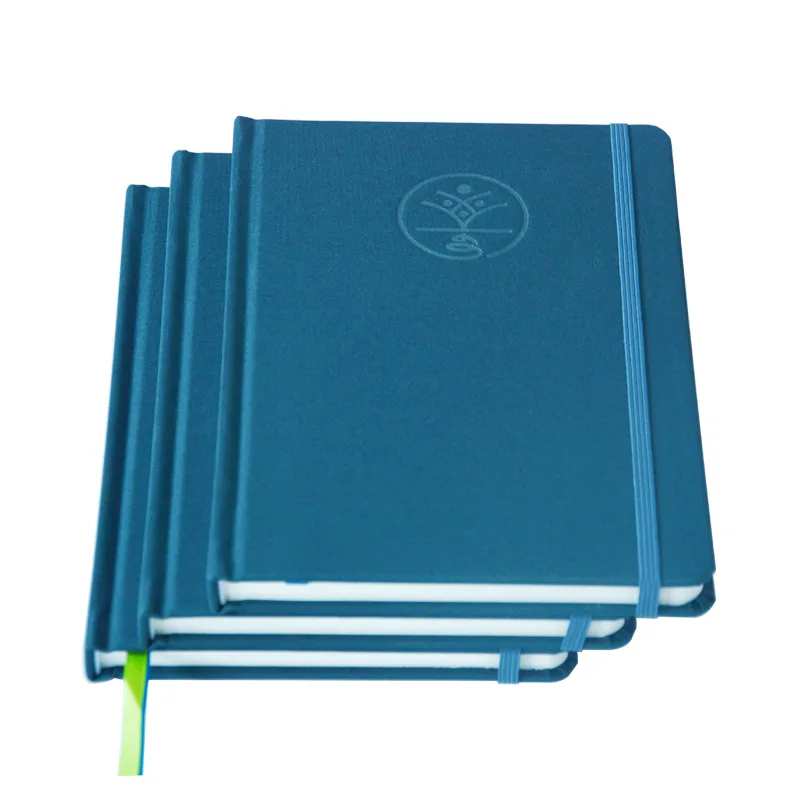
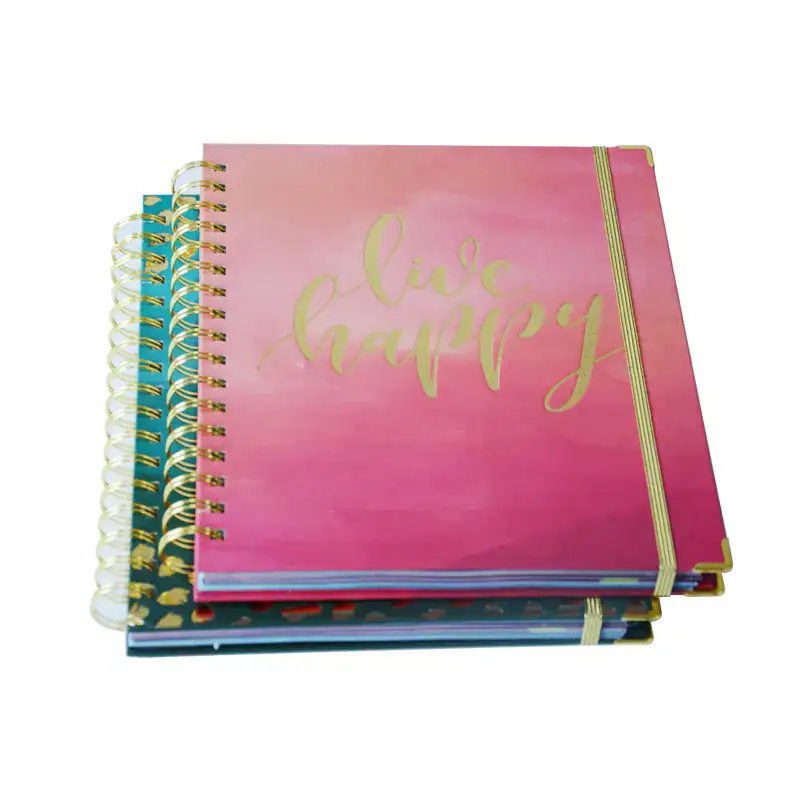
You are not stuck picking “premium extras” from a catalog. You are stuck matching elastic bands, pen loops, pockets, ribbons, and logo finishes to the job—before a stacked quote locks waste into every carton.
Choose custom notebook features by brand job first, then keep only the band, loop, pocket, ribbon, and logo finish that survive real carry. Gift kits can stack richer; giveaways need fewer parts; desk journals should favor durable marks over foil that scuffs in a bag.
Keep reading and you will walk out with a job-based keep list, a logo durability call that does not treat every finish as equal, a stack that will not break packing, and a sample gate you can run before mass.
Match Features to the Brand Job First
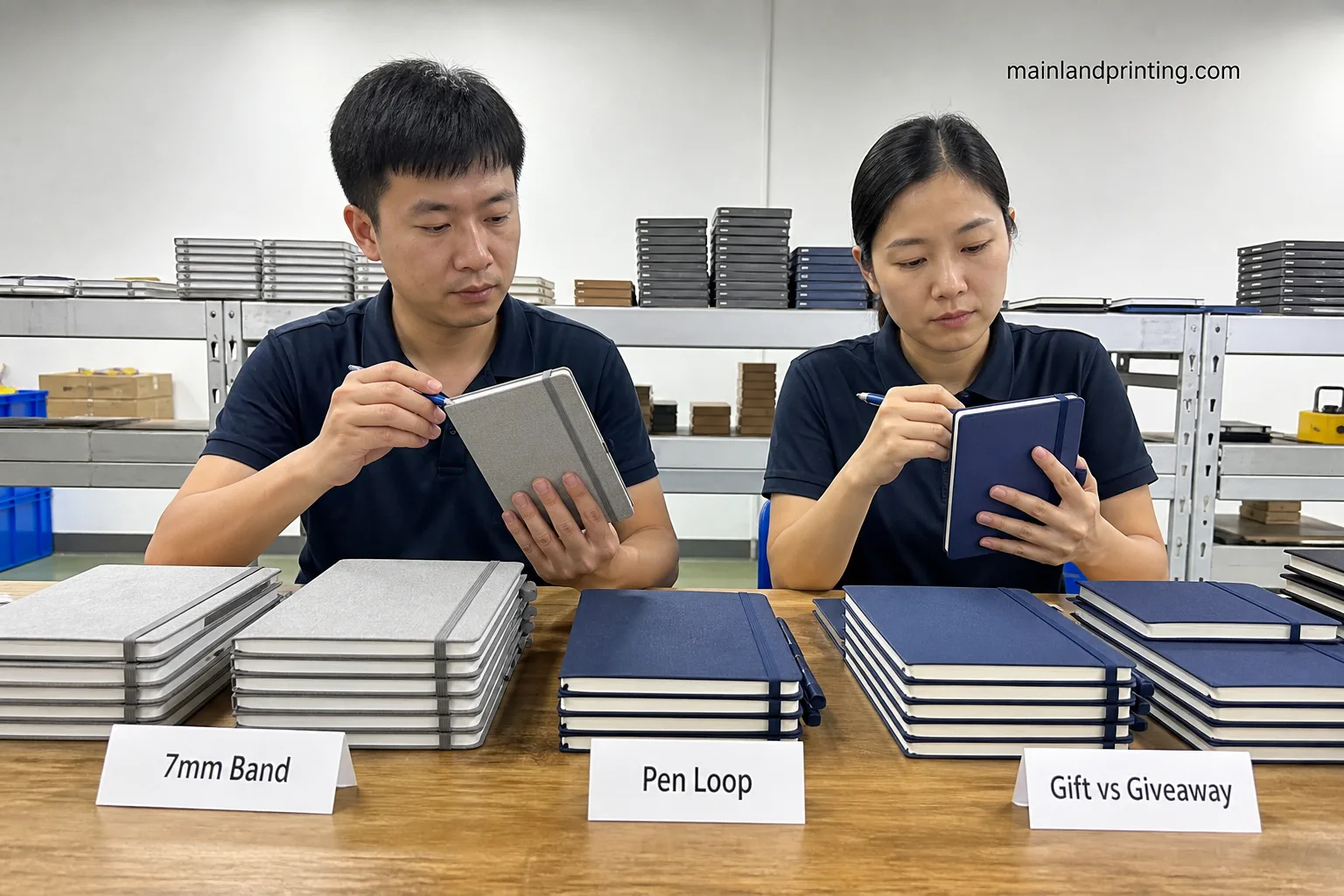
When you open with “add everything premium,” you skip the only question that predicts returns: what must this notebook do in the next 30–90 days?
Write the job on the RFQ before you debate foil color: executive gift, booth handout, or daily desk journal.
| Brand job | Keep these features | Switch away when |
|---|---|---|
| Client / VIP gift | Band + ribbon + durable logo (deboss/emboss); optional pocket | Budget only funds thin foil on a softcover giveaway |
| Trade-show handout | Simple band or none; print logo; skip metal corners | You stack loop + pocket + foil and still promise “under $X” |
| Desk / employee journal | Pen loop + ribbon; logo that survives daily open/close | Foil sits on a high-rub spine edge with no sample rub test |
| Field notes / travel kit | Band + pocket; elastic loop sized to real pens | Decorative ribbon only, no closure, for bag carry |
When you once ordered “gift-level” foil, bands, and loops on a 5,000-unit booth book, cartons snagged loops and unit cost erased the giveaway margin. Name the job first; stack second.
If stakeholders disagree, force a one-line job statement everyone signs: “This notebook must [gift keep / hand out light / live on a desk].” Without that line, every sample becomes a taste contest.
When you write that line, also note how the book leaves your hands: handed at a booth, mailed in a poly bag, or placed in a gift box. Carry mode kills more “pretty” stacks than unit price does.
If format is still open, park structure choices in the notebook format comparison before you freeze accessories—features sit on a cover system, not in a vacuum.
Choose Closure Bands and Pen Loops Wisely
When you treat the elastic band as decoration only, you miss width, color match, and how the clip holds after 200 open cycles.
- Band width: 7 mm often fits A5/A6 cleanly; 10 mm reads heavier on larger formats.
- Couleur : Pantone-match the band to the cover or set a deliberate contrast—vague “black band” quotes drift between lots.
- Pen loop: elastic stretches across pen diameters; PU leather looks integrated but needs a stated pen OD range.
- Placement : back-edge center is common; spine mounts change packing height—ask before art freezes.
When you approved a skinny loop on a thick fountain pen SKU, support tickets blamed “cheap notebooks” for torn loops. Size the loop to the pen you will ship—or drop the loop.
Ask the plant to confirm metal vs plastic back clips on the band. Plastic can save weight on volume programs; metal usually holds longer when users yank the band daily.
Before you approve color, ask for a band swatch on the same cover lot—not a Pantone chip alone. Elastic dyes can look cooler or warmer than the cover film under trade-show lights.
For a broader accessory menu beyond this decision path, keep the notebook accessories guide open—this article stays on what to keep for brand specs.
Decide on Pockets and Ribbon Markers
When you add a back pocket and three ribbons because “premium journals do that,” you may buy storage you never need and ribbons that tangle in poly mailers.
| Fonctionnalité | Faire | Don’t |
|---|---|---|
| Back pocket | Keep for travel / sales kits that store cards | Add gussets without a tear test on sample stock |
| Single ribbon | Keep for thick planners and journals | Expect one ribbon to replace section tabs |
| Multi-ribbon | Keep when users track 2–3 sections | Stack three colors on a slim giveaway book |
When you shipped dual ribbons into knit tote bags without corner guards, ribbons knotted and covers looked abused before day two. Test packed samples the way your 3PL will ship them.
If your users never store loose cards, cut the pocket and put the money into a better logo finish. Empty gussets still add glue steps and tear risk.
When you keep a pocket, specify what goes in it on the RFQ: business cards, A6 cards, or folded leaflets. “General storage” invites a shallow pocket that fails the first thick insert.
Pick Logo Finishes That Survive Real Use
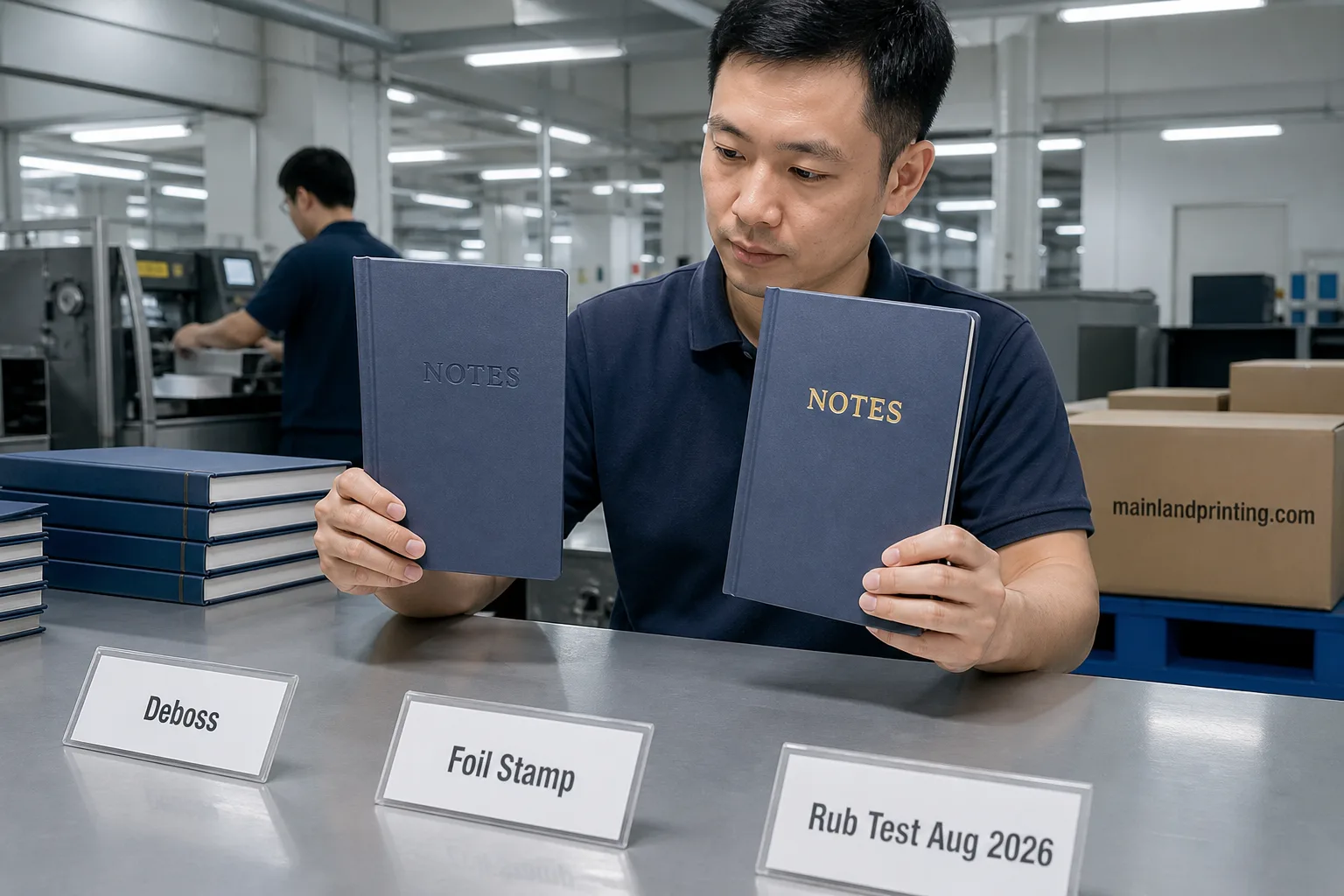
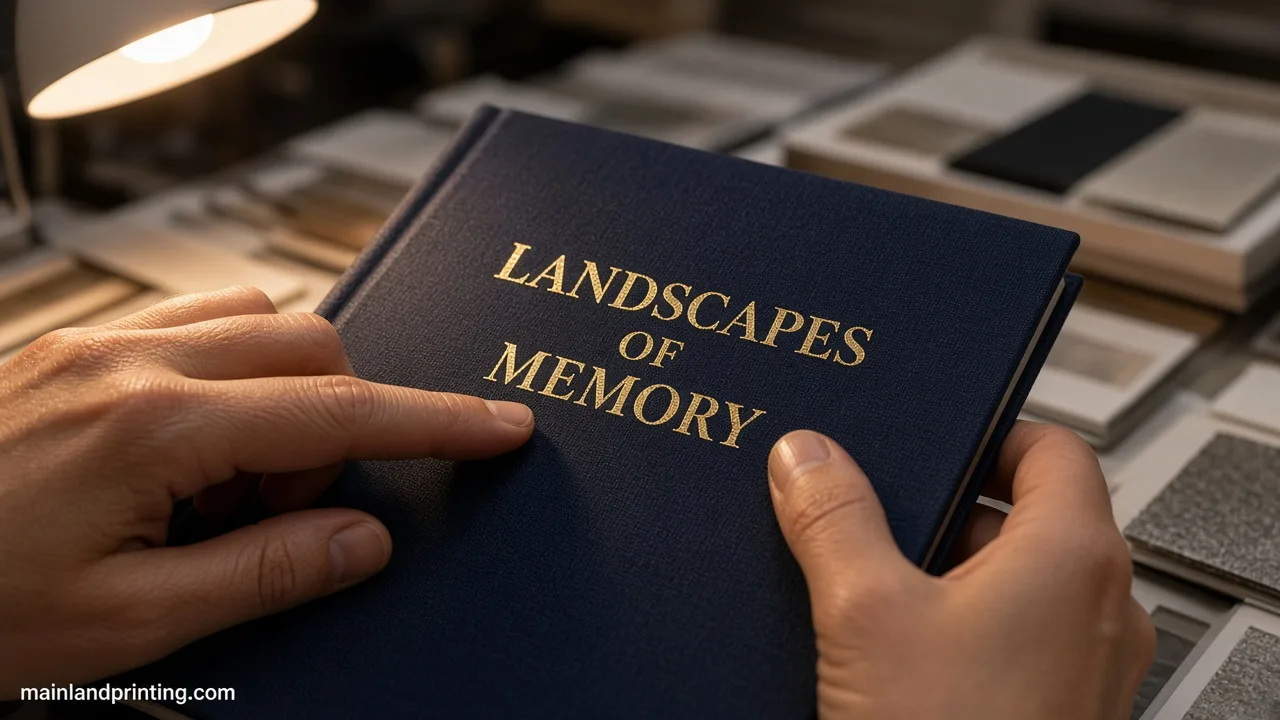
When you say “make the logo premium,” factories hear four different processes—and they are not equally durable.
Paper embossing process raises or recesses the mark in the cover; foil adds a metallic film that can scuff; print sits on the surface and depends on ink/coating.
| Finition | Usually wins when | Watch this |
|---|---|---|
| Deboss / emboss | Daily desk use; you want touch over shine | Fine type may collapse on soft PU—sample first |
| Foil stamp | Gift unboxing under controlled light | Bag rub and edge scuff in bags—do not call it equal to deboss |
| Print / silk | Color logos, high volume, softcover | Abrasion on dark cloth without varnish |
When you sold “foil = forever premium,” then bags rubbed the mark dull in a week, the complaint was not about paper—it was about finish choice. Do not claim every logo process lasts the same.
Put the finish name and position on the same cell as quantity. When marketing later upgrades “print” to “gold foil,” you change it in writing—not after covers are already stamped.
If your logo sits near the spine or band path, say so on the art sheet. Foil and fine deboss both fail faster where the elastic scrapes every open.
Cover material still gates which finish lands cleanly—cross-check with the custom notebook cover guide before you freeze die art.
Need a branded notebook specification you can quote?
Share the job, feature stack, logo finish, size, and quantity tiers. Mainland Printing can map a producible combo before you lock artwork.
Stack Features Without Breaking Pack Cost
When you stack band + loop + pocket + dual ribbon + foil because each looked cheap alone, the carton tells a different story.
Red flags before you approve the full stack:
- Loops or metal corners that puncture poly mailers.
- Page count and cover board unchanged while three ribbons add bind time.
- Foil on high-rub edges with no rub sample under bag conditions.
- MOQ still quoted as “plain hardcover” after accessories were added.
When you left accessories as “TBD” on a low bid, the plant filled the blank with the cheapest clip set and your Pantone band never matched. Put every kept feature on the same line item.
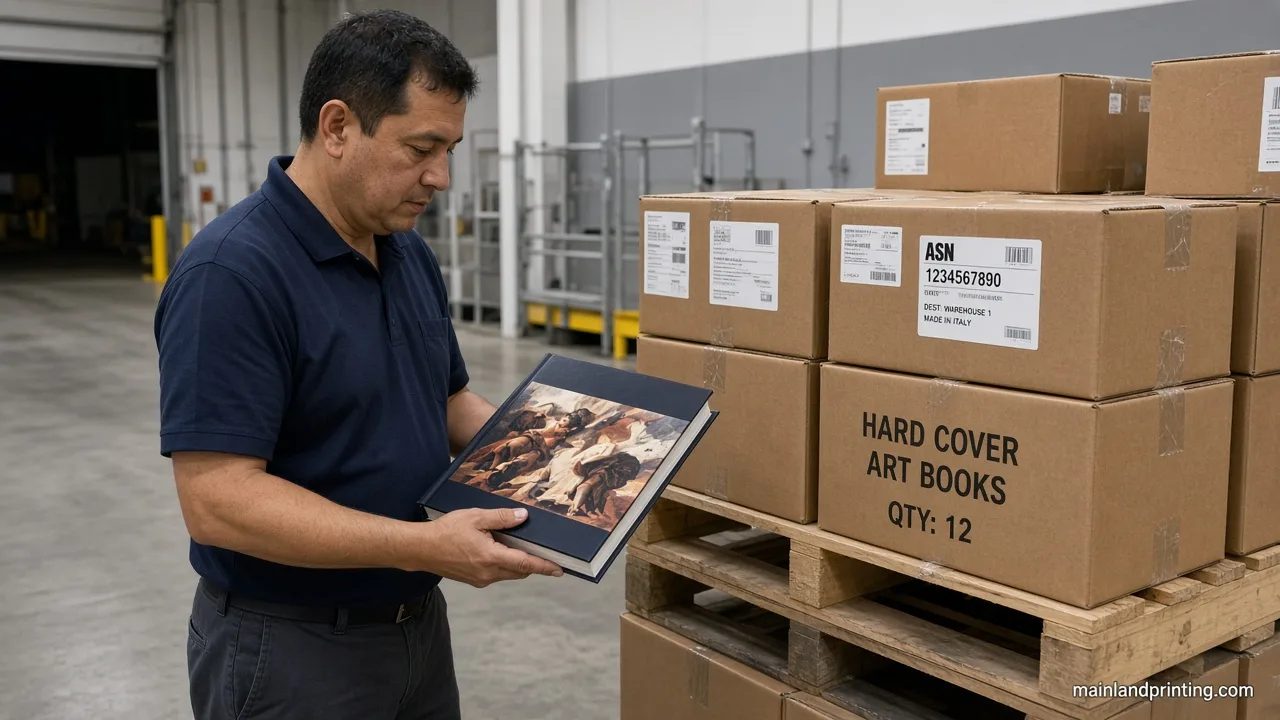
Before you approve the full stack, ask packing for one estimated carton weight and a photo of a packed sample. Features that look free on the unit line often show up as dimensional weight later.
When you keep metal corners or a thick loop, ask whether books nest flat or need separators. Nesting failures show up as crushed corners—not as a line item you can argue later.
If quantity bands will move with the stack, read Quantité minimale de commande et tarifs des ordinateurs portables after the feature list is clear—not before.
Use a Ready Hold Sample Gate
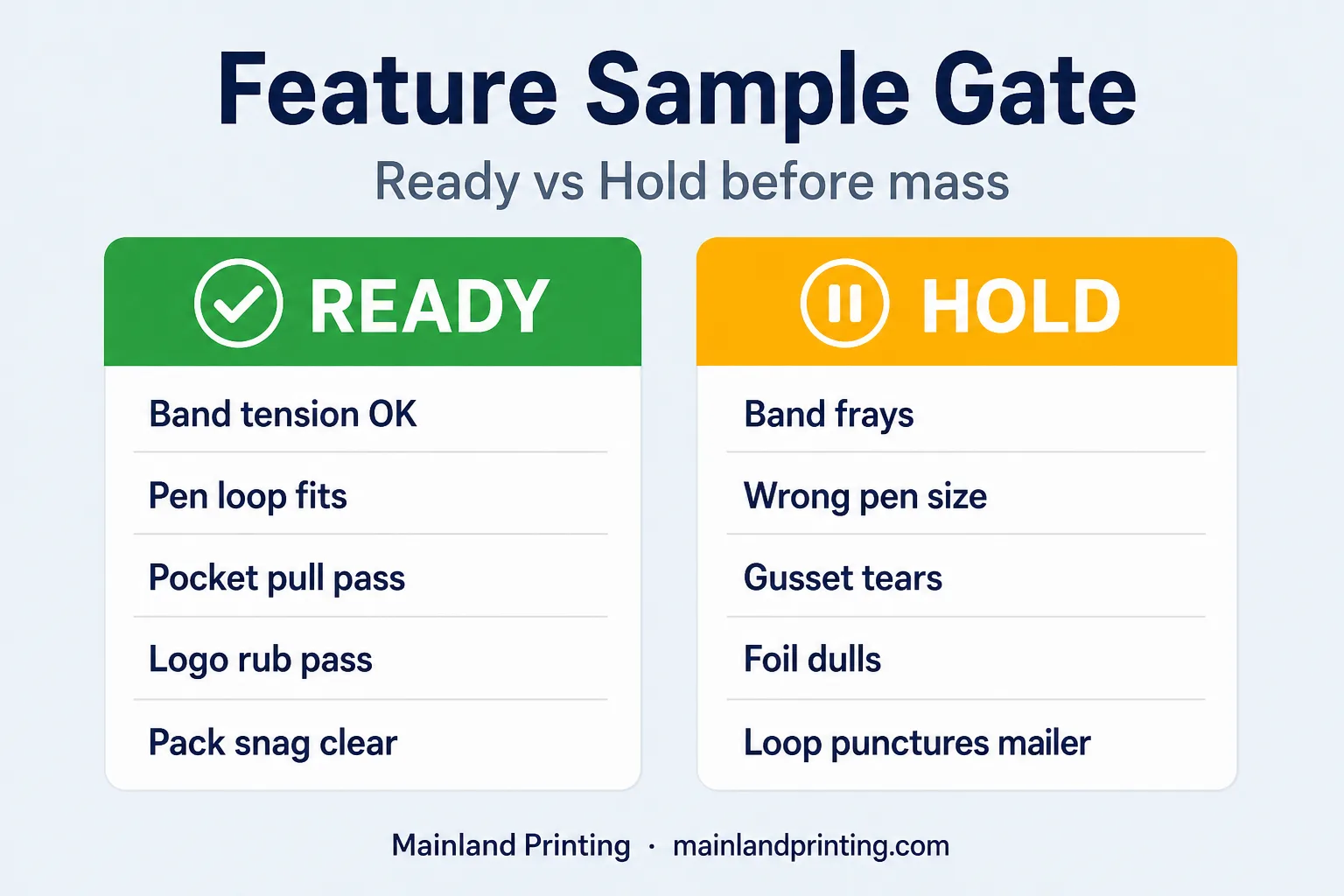
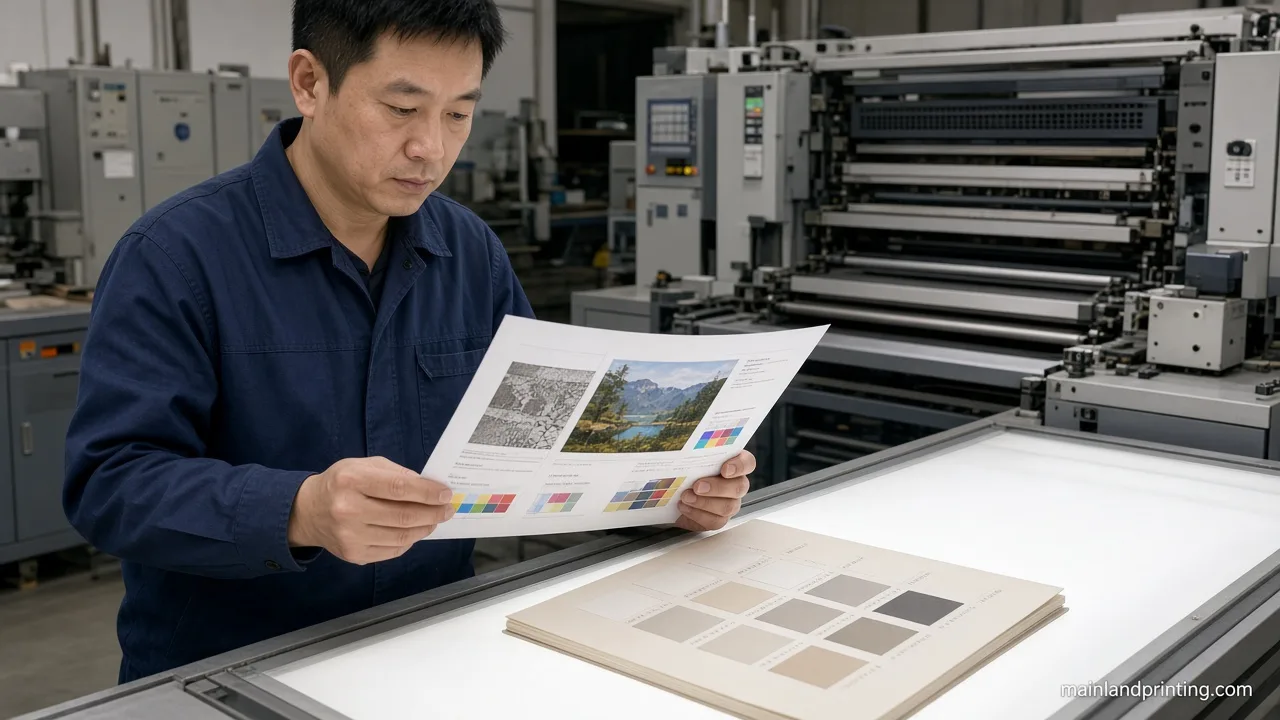
When you lock features from a catalog photo, you skip the tests users will run: stretch, snag, tear, and rub.
| Vérifier | Prêt si | Attendre si |
|---|---|---|
| Band tension | Closes firmly after 50 open cycles; clip holds | Band rolls off or frays at the clip |
| Pen loop fit | Named pen seats without tearing | Only a pencil was tested for a fountain claim |
| Pocket stress | Cards/receipts in/out without corner tear | Gusset glue fails on first pull |
| Logo rub | Agreed rub/bag test keeps mark readable | Foil dulls after light cloth wipe |
| Packed snag | Sample survives your real mailer/carton | Loop or ribbon punches packaging |
When you once released mass after a cover proof only, then returns blamed “cheap elastic,” the plant had never stretch-tested that lot. Run the five Ready/Hold lines on one bound dummy before plating money moves.
Photograph both the logo and the band clip under the light you will use for approvals. A Slack emoji is not a sample gate.
After that photo check, run the notebook sample approval checklist so cover, paper, accessories, packaging, and SKU versions share one dated Sample ID before mass.
When any line hits Hold, change one variable and retest—do not “approve with notes” and hope mass behaves. Notes without a retest become returns with photos.
Put Feature Fields on the RFQ
When your RFQ only says “custom notebook with accessories,” every supplier invents a different stack—and your quotes are not comparable.
| Champ « Appel d'offres » | Écris ceci | Pourquoi cela vous permet de faire des économies |
|---|---|---|
| Brand job | Gift / giveaway / desk / field | Stops premium stack on handout budgets |
| Band | Width mm + Pantone + yes/no | Aligns lots |
| Pen loop | Material + pen OD range + placement | Prevents tear returns |
| Pocket / ribbon | Count, color, pocket type | Controls bind and pack time |
| Logo finish | Deboss / emboss / foil / print + position | Stops “premium” ambiguity |
| Exemple de porte | Feature sample Required before mass | Ajoute « Prêt/En attente » au calendrier |
Freeze those six fields on one line—then talk unit price. Start production talk from impression de cahiers personnalisés with the feature row attached, not a bare “please quote branded notebooks.”
Lock Tonight’s Feature List Before You Quote
You choose custom notebook features by matching the brand job first, then keeping only the band, loop, pocket, ribbon, and logo finish that pass real carry and sample checks—not every catalog extra.
Tonight: write the job on one line, cut any feature that fails the job column, and paste the six RFQ feature fields into the quote thread.
When those three are done, send size and quantity tiers so the plant can answer with one comparable stack—not three guesses dressed as “premium accessories.”