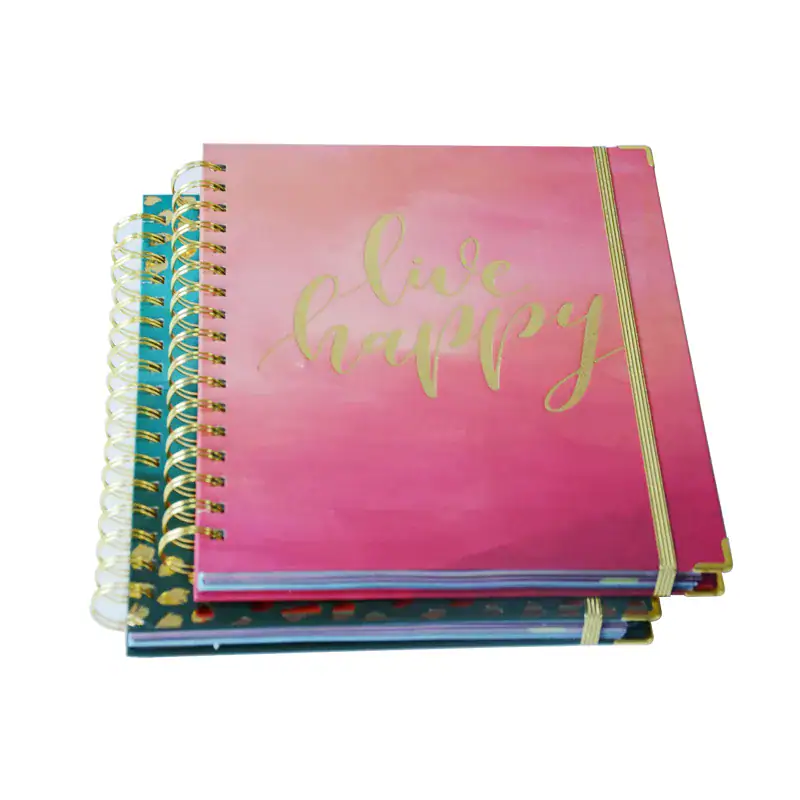
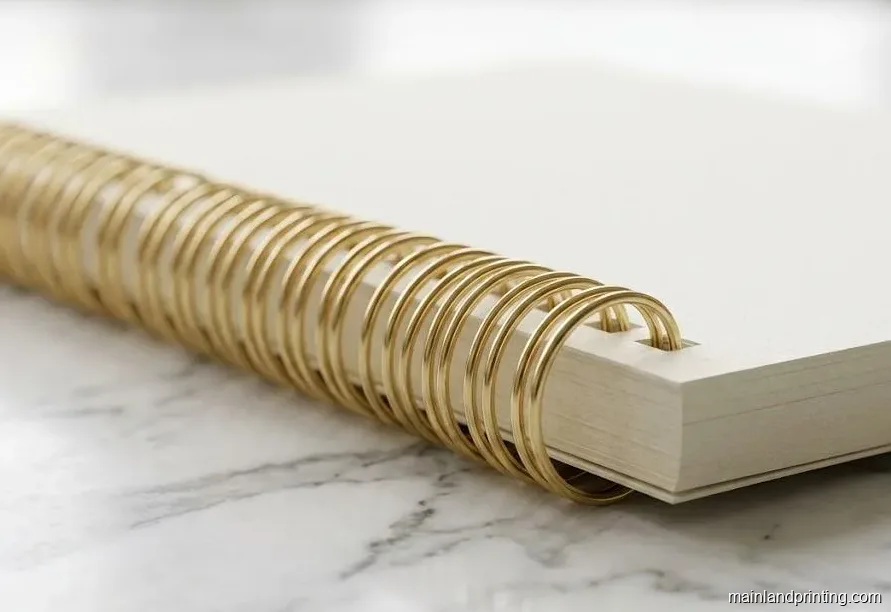
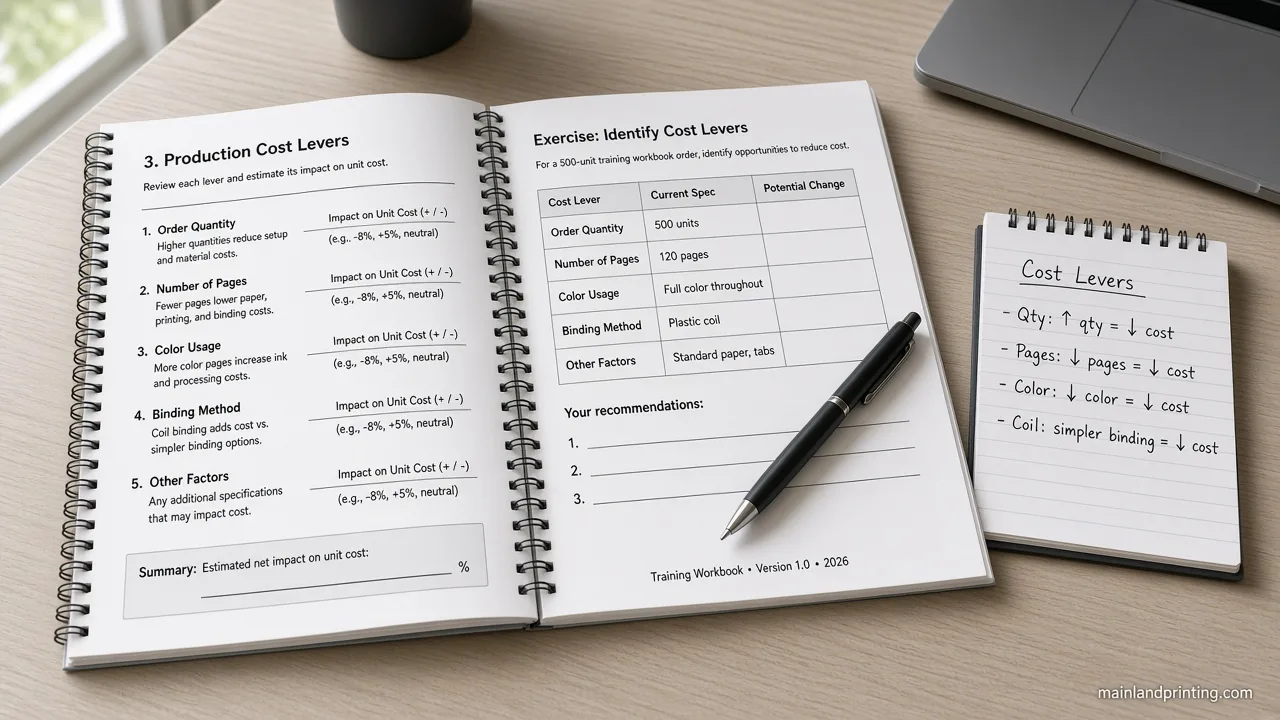
When a training deck or client workbook has to lay flat on a desk, take notes in pen, and still open to the right module mid-session, the quote only stays comparable after the page job is named—not after three PDFs disagree on tabs, paper, and which edge gets punched.
Spiral bound training manual printing starts with the page job—write-on stock, tabs or sections, cover durability, and the bound edge—so the quote prices one structure instead of three conflicting PDFs.
This guide helps you turn that use case into Mainland’s quote-ready fields, keep buyer/design/prepress ownership clear, and send one structure to the spiral line before anyone prices the run.
Turn the Training Job Into a Quote-Ready Page Plan
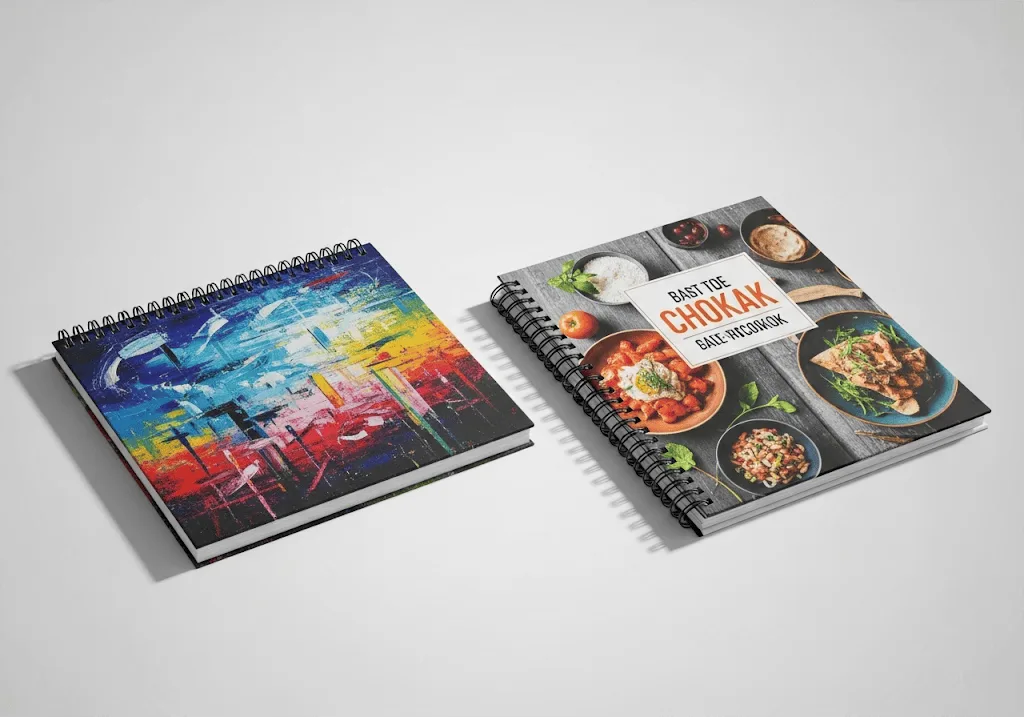
Start from what the book must do in the room: take notes, jump modules, survive bags, or sit on a client table. Those jobs map to four quote lines—interior paper, section hardware, cover build, and which edge is punched—before color count or quantity ladders matter.
A marriage-counseling guided journal and a multi-day L&D manual look different on the cover, but both fail the same way when write-on pages, section labels, and the punch edge stay vague while printers invent three versions of “spiral.” Name the structure first; then the factory can price one book.
The matrix below is a first lean for training manuals and client workbooks. It is not a Wire-O-versus-plastic verdict; that material fork lives on Mainland’s Wire-O vs plastic coil binding guide once the page structure is locked.
| Use in the room | Lock on the RFQ |
|---|---|
| Learners write beside demos | Uncoated write-on text + gutter clear of punch |
| Long program with named modules | Tab count, labels, clear or printed tabs |
| Daily bag or field handling | Frosted PVC or other heavy-use cover |
| Client leave-behind on a table | Laminated branded cardstock + named coil color |
| Landscape charts or top-flip drills | Bound edge: short-edge or top spiral |
Read the table as a planning sheet: if two rows apply, list both lines on the same RFQ so printers do not guess which job wins.
Choose Write-On Pages Before You Pick Coatings

After a coaching session, the pages that still take ink without skating are the ones that keep the workbook useful. Keep write-on and guided-prompt interiors on uncoated stock so pens take cleanly—Mainland’s standard for training manuals, workbooks, and planners is 80 lb / 120 gsm uncoated.
Image-heavy or coated inserts stay as separate quote lines when the same book mixes photos with fill-in pages.
That paper call is for handwriting comfort, not a promise every marker brand will never ghost.
Trade printers say the same in plain terms: uncoated text for planners and workbooks, coated stocks when photos lead. Mainland’s published training line already points 80 lb / 120 gsm uncoated at hands-on books, so treat coated “premium” interiors as an exception you name—not the silent default.
If only a few spreads are photo-heavy, keep those sheets as a coated insert line and leave the guided prompts on uncoated—mixed books quote cleaner when the RFQ shows both stocks instead of forcing one compromise sheet.
Specify Tabs and Sections So Quotes Match
When a 200-page client workbook has six named modules, buyers already ask for clear divider tabs on the same spiral RFQ as pitch and paper—so the missing fields are count, labels, and tab finish, not another synonym for the coil.
Tab dividers and labeled section breaks turn a long training or client workbook into navigable modules, but they only quote cleanly when you list tab count, labels, and whether tabs are clear or printed.
Trade printers commonly offer laminated or die-cut tabs for spiral workbooks and planners; Mainland still confirms tab stock, height, and insert positions on the live quote.
Tear-out sheets and specialty tab hardware stay project-confirmed—do not treat them as default on every spiral run.
OEM shops often bank tabs in groups of three to five and expect each divider on a right-hand page; use that as file-planning language, then confirm Mainland’s bank size and proof method before you lock pagination.See 48 Hour Books on spiral book tabs for bank and label vocabulary only—their per-tab price table is not Mainland’s list.
Ready to plan a training or client workbook?
Send use case, write-on needs, tab labels, cover type, and bound edge—Mainland will quote one structure on the spiral line.
Lock Cover Durability and the Bound Edge Together

For heavy daily handling, pair a durable cover with the lay-flat spine—Mainland’s frosted PVC cover protects training and field books, while branded cardstock with matte or gloss lamination carries the client-facing look.
Soft-touch finishes stay available when the brief is premium; write-on interiors still want uncoated text even under a laminated cover.
Cover choice does not replace gutter clearance or a named binding system on the RFQ.
Name the bound edge on every landscape or flip job—portrait side-bind, landscape short-edge, and top spiral are different punch lines even when the PDF looks the same.
Mainland can bind portrait on the long edge or landscape on the short edge; calendar-style top flips need that edge called out before prepress.
Orientation wording does not lock metal Wire-O versus plastic coil—that material choice sits on a separate decision page.
Leave at least 12 mm to 15 mm (about 0.5″) of inner margin on the bound edge so spiral punch holes do not cut into text or graphics.
The clearance sits on Mainland’s spiral FAQ; top-bound or landscape jobs still keep that clear zone on the punch edge.
Margin clearance is a prepress rule, not a page-count or pitch absolute. Verify the 12 mm to 15 mm clear zone, then inspect the first tab insert position on the digital proof before you approve.
Assign Buyer, Design, and Prepress Ownership
If your brief still says “tabs somehow” while the designer ships a perfect-bound margin, the reprint risk is already baked in. Split ownership before files move.
| Owner | Owns before proof |
|---|---|
| Buyer / program lead | Use case, module list, tab labels, write-on yes/no, ship-to notes |
| Design | Odd-page dividers, 12–15 mm punch clear, cover vs text separation |
| Prepress / Mainland | Gutter audit, tab insert positions, coil fit, proof of structure |
This split is a handoff checklist, not a blame chart—if a row is blank, stop and fill it before anyone uploads a “final” PDF.
Flag missing tab labels, write the bound edge in plain words, and keep the punch clear zone on the design checklist before you approve the digital proof. Keep the punch clear zone marked on every divider page so prepress can audit tabs without guessing.
Send One Structure With the Quote Request
You now have a use→structure lean, write-on and tab fields that keep quotes comparable, and a cover-plus-bound-edge pair that matches how the book will be held. Approve the page plan first; then send quantity ladders or the material fork without reopening the structure argument.
A clean RFQ pack for this spoke is short: trim and orientation, page count, write-on yes/no with paper weight, tab count and labels, cover type, plastic coil or Wire-O named once, bound edge, and ship-to city. Anything still marked “TBD tabs” or “maybe landscape” belongs in a hold note—not in a price request.
Share trim, page count, write-on stock, tab labels, cover type, bound edge, and ship-to notes with Mainland’s spiral bound book printing team so the recommendation and the price refer to the same book.When you also need run-size math, use the spiral workbook print cost guide after this structure is locked—not instead of it.