When a photograph or an illustration has to cross the fold, prepress can start only after the file names its printing condition and the important detail sits off the binding edge.
An art book printing file checklist is ready for prepress review when fonts are embedded, marks and bleed are specified, and color is CMYK, spot, or both, with the printing condition named in the file. Judge image size on the printed page, and keep crossover detail off the binding edge. The monitor is not the sheet.
The check separates what the file must carry from what the binding edge hides, and from what only a proof can show.
Name the Printing Condition in the File
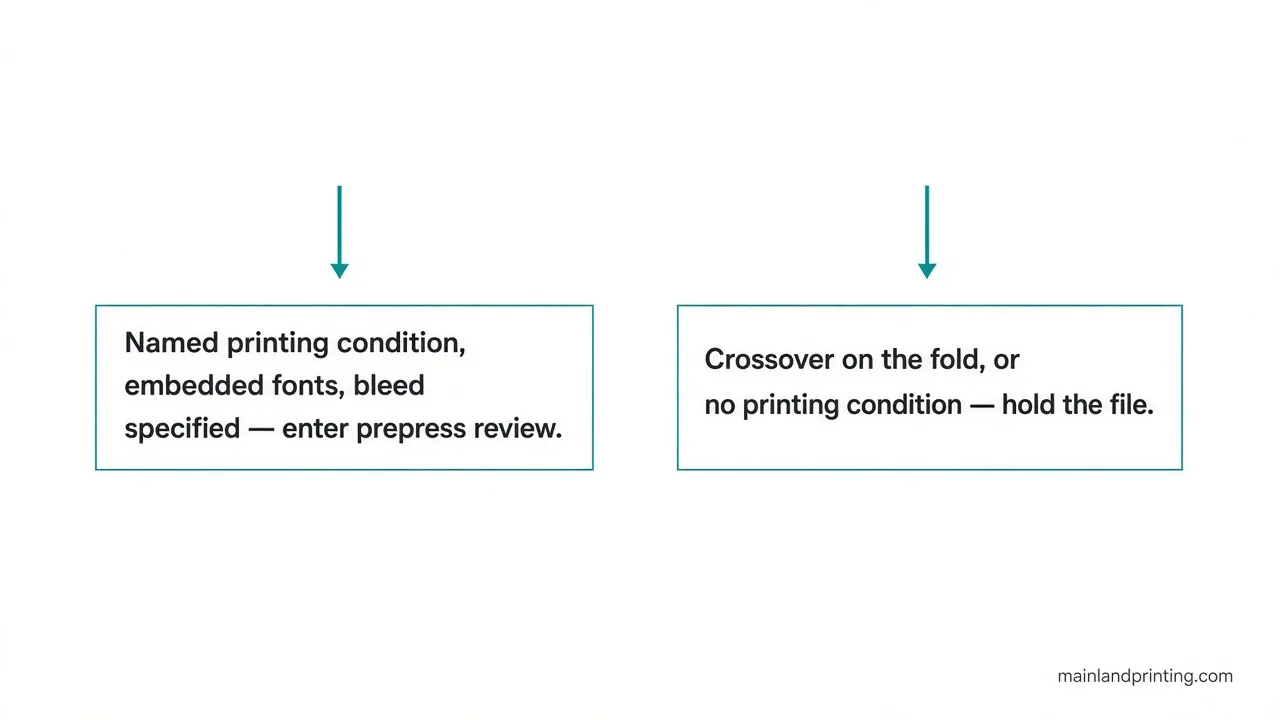
A file can look finished on screen and still be the wrong exchange file for the press. Adobe’s Illustrator documentation states the PDF/X-1a file requirements this way: PDF/X‑1a requires all fonts to be embedded, the appropriate marks and bleeds to be specified, and color to appear as CMYK, spot colors, or both.Compliant files must contain information describing the printing condition for which they are prepared. A named printing condition still leaves the profile with that paper and press, and the monitor remains a different view from the sheet.
The same Adobe page separates the presets. This preset creates ISO PDF/X-4:2008 files that support live transparency (transparency is not flattened) and ICC color management.Choose PDF/X-4 when the art uses live transparency and the printing condition is color-managed. PDF/X-1a flattens transparency, so it belongs to a different handoff. The profile name only helps after the paper and the press route are the condition you named.
Read Image Size Against the Printed Page

PDF/X‑1a uses PDF 1.3, downsamples color and grayscale images to 300 ppi and monochrome images to 1200 ppi, embeds subsets of all fonts, creates untagged PDFs, and flattens transparency using the High Resolution setting.Those downsample figures belong to Adobe’s PDF/X-1a preset. The preset does not measure how much of a crossover the binding edge will hide.
Place the image at the size it will print, then read the effective resolution in the layout. On a full-page plate, a small crop that has been stretched can fall apart even when the export preset says 300 ppi, because the preset downsamples what is already in the file.It does not invent detail that was never there. If that same image is placed at about twice the width it had in the file, the effective resolution falls to about half the file’s ppi. That is a placement check, not another preset. Fine line art is a separate number in the PDF/X-1a preset: monochrome images go to 1200 ppi, which is not the color-plate figure.
Keep Crossover Detail Off the Binding Edge
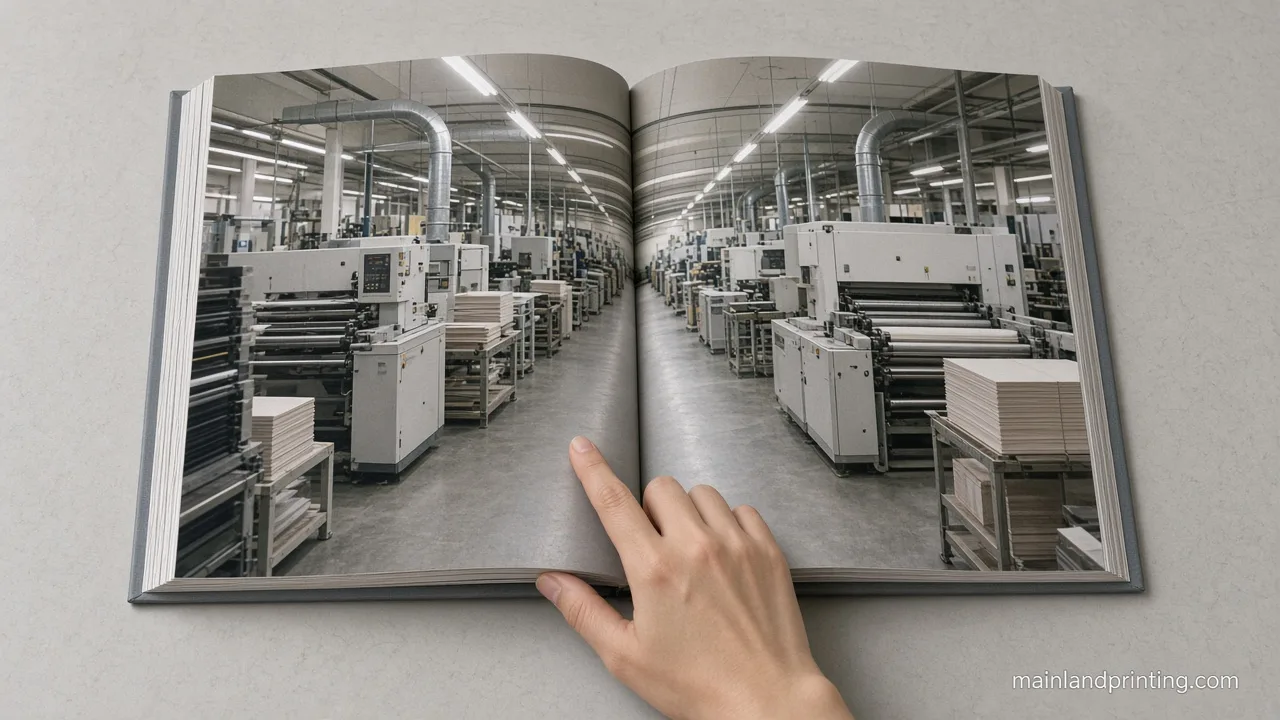
Open a bound dummy, or a folded pair of pages, and look at the fold. Faces, captions, and horizon lines that sit on the fold are the ones the binding edge will hide. Bleed past the trim keeps the paper color from showing after the cut. It does not protect the picture at the spine.University of Chicago Press states a map spread gutter rule for artwork that crosses a spread: If a map will run across a spread, critical information must not appear in the gutter. A face on that same fold has the same problem you can see in the dummy. How much of that fold disappears depends on the binding family, which is a separate decision from this file check, covered in the art book binding choice.
Copy the file checks, then use the table to see who signs each one. The table does not choose layflat or sewn binding.
- Fonts are embedded, and marks and bleed are specified.
- Color is CMYK, spot, or both, and the printing condition is named in the file.
- Image detail is judged at the size it will print.
- Crossover detail sits off the binding edge.
- The buyer confirms copyright and the color intent.
| Siehe | Who signs it |
|---|---|
| Fonts embedded, marks and bleed specified, color as CMYK or spot, printing condition named | File owner, before prepress review |
| Image detail at final size, and crossover kept off the binding edge | File owner, after the binding family is chosen |
| Copyright of the art, and the color the buyer intends to approve | Käufer |
| Whether the printed sheet matches the monitor | A later proof, not this file check |
Send Your Art Book Artwork
Once those rows are signed, prepress review is the right next ask. The sheet-to-monitor comparison still waits for a proof, which is the job of book proofing methods, not of the file checklist.
Keep crossover detail off the binding edge before the file is called ready. Send the trim, the page count, the binding family, and the file with its printing condition named. That package is what an art book prepress review can actually read. The review does not move copyright to the printer, and it does not promise the screen will match the paper.
Ready for an art book prepress review?
Send the trim, the page count, the binding family, and the file with its printing condition named.